Turn any software into a computer-use agent environment
Pranjal Aggarwal, Graham Neubig, Sean WelleckCarnegie Mellon University
! TL;DR
Computer-use agents need to work with real professional software, but current benchmarks evaluate them on short-horizon tasks across a limited set of applications. We build Gym-Anything, a framework that lets AI agents autonomously convert any software into a training and evaluation environment, and use it to produce CUA-World — one of the largest interactive CUA dataset to date!
200+
Software Applications
10K+
Diverse Tasks
22/22
SOC Occupation Groups
Gym-Anything Library
Modular framework to wrap any software as a Gym-style agent environment across Linux, Windows, and Android.
CUA-World Benchmark
10,000+ tasks across 200 GDP-grounded software with train/test splits and long-horizon evaluation.
Training & Scaling
Distilled 2B model that outperforms models 2× its size, with log-linear data scaling.
Test-Time Auditing
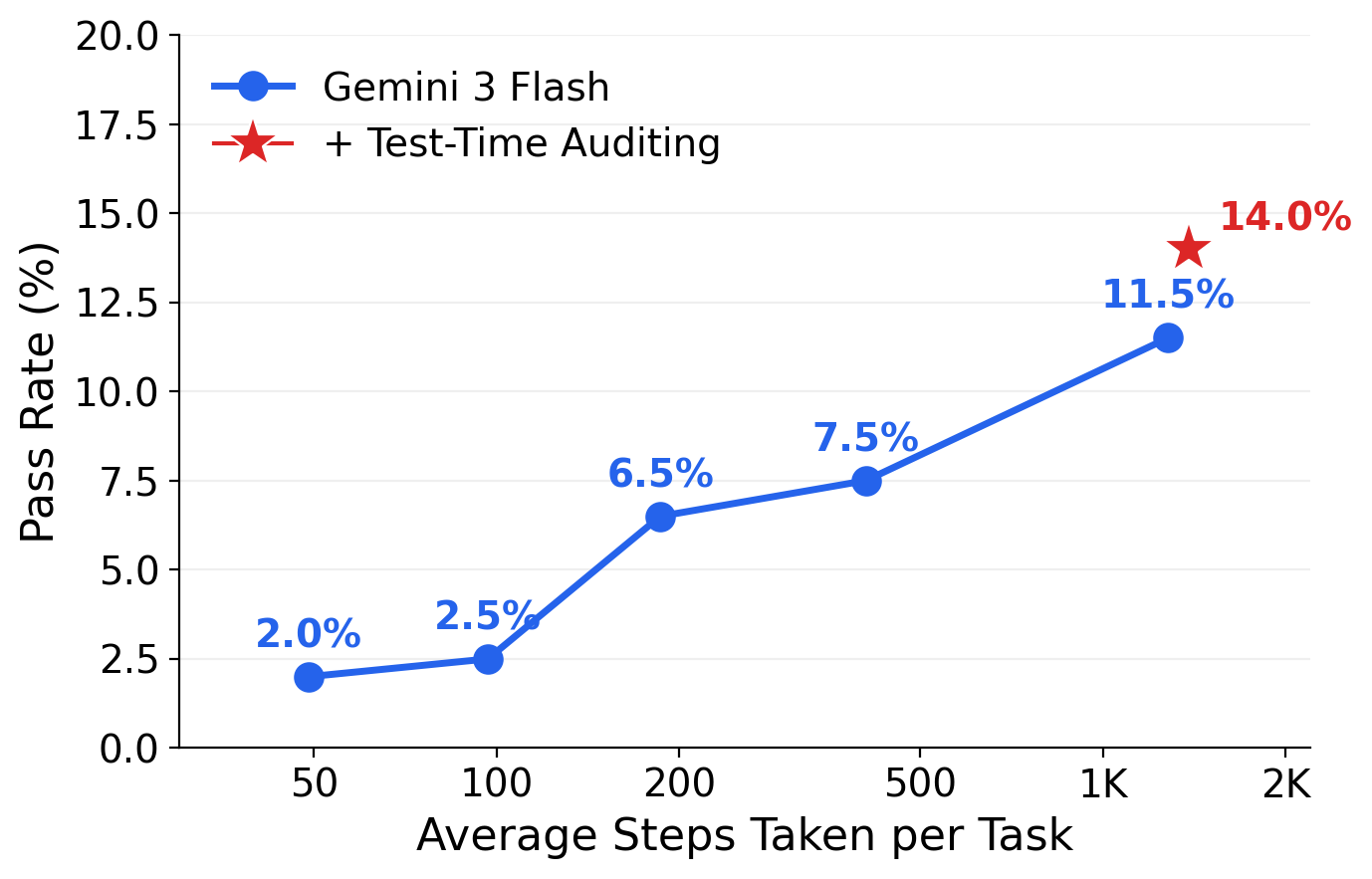
Inference-time audit loop that catches premature stops and improves long-horizon pass rate to 14%.
1 The Problem
Computer-use agents promise to automate digitally intensive occupations representing trillions of dollars in GDP. But current benchmarks test agents on short-horizon tasks (changing wallpapers, filling web forms) over a narrow set of consumer apps, revealing little about real professional capability. The root cause: creating realistic environments requires weeks of expert effort per application, naturally limiting benchmark scale.
Read more — limitations of current approaches
Real-world workflows are long-horizon and take place in heterogeneous environments, often requiring hundreds of steps across diverse software configured with domain-specific data. Analysing a medical imaging dataset requires a radiology tool set up with annotated clinical CT scans. Reconciling financial records requires an ERP system populated with transaction histories. No existing benchmark provides this kind of domain-grounded evaluation.
Existing benchmarks fall into two categories, each addressing the problem from a different angle but with different trade-offs:
Static datasets (Mind2Web, AITW, AndroidControl, OmniACT) collect thousands of episodes but evaluate via action-matching, penalizing valid alternative strategies. An agent that accomplishes the same goal through a different but equally correct sequence of actions is marked as wrong.
Interactive benchmarks such as OSWorld, WebArena, WindowsAgentArena, and AndroidWorld pioneered execution-based evaluation in realistic environments, but are constrained in scale: OSWorld covers 9 software with 369 tasks, WebArena covers 6 websites with 812 tasks, WindowsAgentArena covers 11 software with 154 tasks, and AndroidWorld covers 20 apps with 116 tasks. No single existing benchmark provides training data, long-horizon tasks, and broad occupational coverage simultaneously.
Benchmark
Platform
#Software
#Tasks
Long-Horizon
Train Split
MiniWoB++
Web
100
~12K
✗
✓
WebArena
Web
6
812
✗
✗
VisualWebArena
Web
3
910
✗
✗
WorkArena
Web
1
~30K
✗
✓
OSWorld
Desktop
9
369
✗
✗
WindowsAgentArena
Windows
11
154
✗
✗
AndroidWorld
Android
20
116
✗
✗
Spider2-V
Desktop
14
494
✗
✗
TheAgentCompany
Web
7
175
✓
✗
CUA-World
All 3
200+
10K+
✓
✓
Deep dive — consequences and root cause
The limited scale leads to two consequences. First, evaluation is unfaithful: high scores on narrow benchmarks reveal little about whether an agent can handle real-world professional work. An agent that can change a desktop wallpaper and navigate a web shopping site may still fail entirely when asked to analyse satellite imagery in QGIS or set up a patient record in OpenMRS.
Second, training signal is limited: short-horizon tasks over a small number of applications cannot produce the diverse, long-horizon trajectories needed to train capable agents. Models trained on such data may not develop the diverse, long-horizon capabilities needed for real-world professional work.
The root cause behind all of these limitations is that each software application requires installation, configuration with domain-appropriate data, task design, and verification. This process often demands weeks of expert effort per application, creating a fundamental bottleneck that manual approaches cannot overcome. Our approach exploits the key observation that this bottleneck is itself a coding and computer-use task — making it amenable to AI agent automation.
2 GDP-Grounded Software Selection
Which software should we build environments for? We use a simple principle: prioritize software that drives more economic activity. Starting from U.S. occupational data (~900 occupations from
O*NET + BLSU.S. occupational databases. O*NET describes ~900 standardized occupations with detailed task/skill information. BLS provides employment counts and average annual wages. Together they let us estimate each occupation's GDP contribution.),
we discover software used by each occupation, attribute GDP to individual software, filter to sandboxable candidates, and apply tiered selection — yielding 200 software covering all 22 SOC major occupation groups.
Read more — the 7-step pipeline and GDP formula
The pipeline proceeds in seven steps:
1. Estimate GDP per occupation using employment count × mean wage, scaled to national GDP. 2. Discover software used per occupation using an LLM with web search, producing ~16,600 software across ~1,400 categories. 3. Clean the catalog by deduplicating and removing hallucinated entries via web-grounded verification. 4. Attribute GDP to individual software via the formula below.
GDPsoftware=ΣGDPocc×pcomputer×scategory×ssoftware
Where p_computer is the fraction of work involving computers (from occupational surveys), s_category is the share attributed to a software category (e.g., "spreadsheets" for an accountant), and s_software is the individual software's share within its category.
5. Filter to sandboxable: self-hostable, free, GUI-based, no specialized hardware. Only ~3,400 of ~16,600 pass. 6. Substitute: high-GDP non-sandboxable software (e.g., Bloomberg Terminal at $79.5B, Salesforce, Epic EHR) is replaced with the closest free alternative. 7. Tiered selection across five tiers to balance economic impact and diversity.
💡
Top software by attributed GDP: Microsoft Excel, Microsoft Word, Google Chrome, Microsoft Outlook, and Visual Studio Code dominate by sheer breadth of occupational use. Since these are commercial and cannot be self-hosted, each is systematically substituted with the closest free alternative from the same software category (e.g., LibreOffice Calc for Excel, Firefox for Chrome).
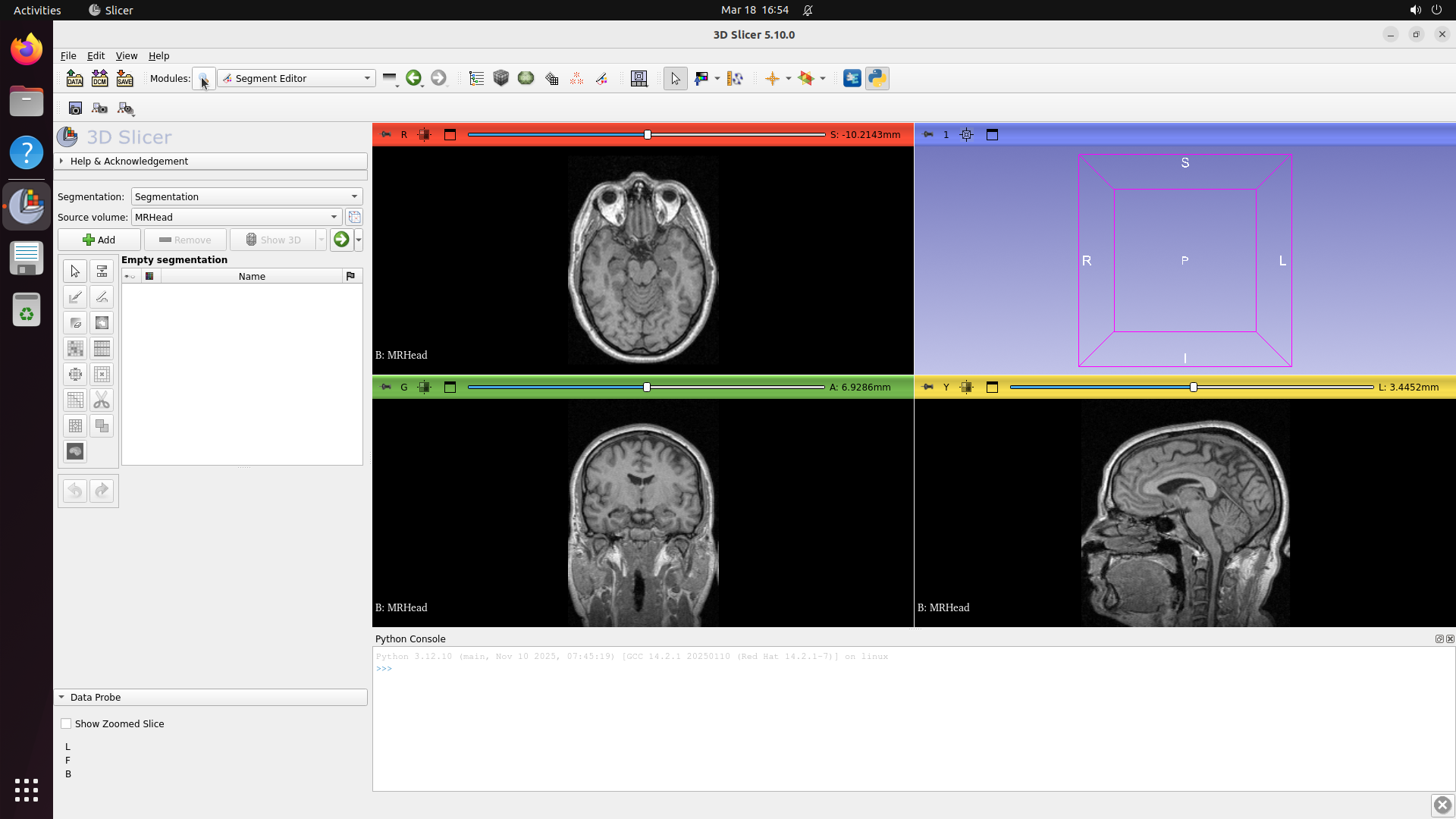
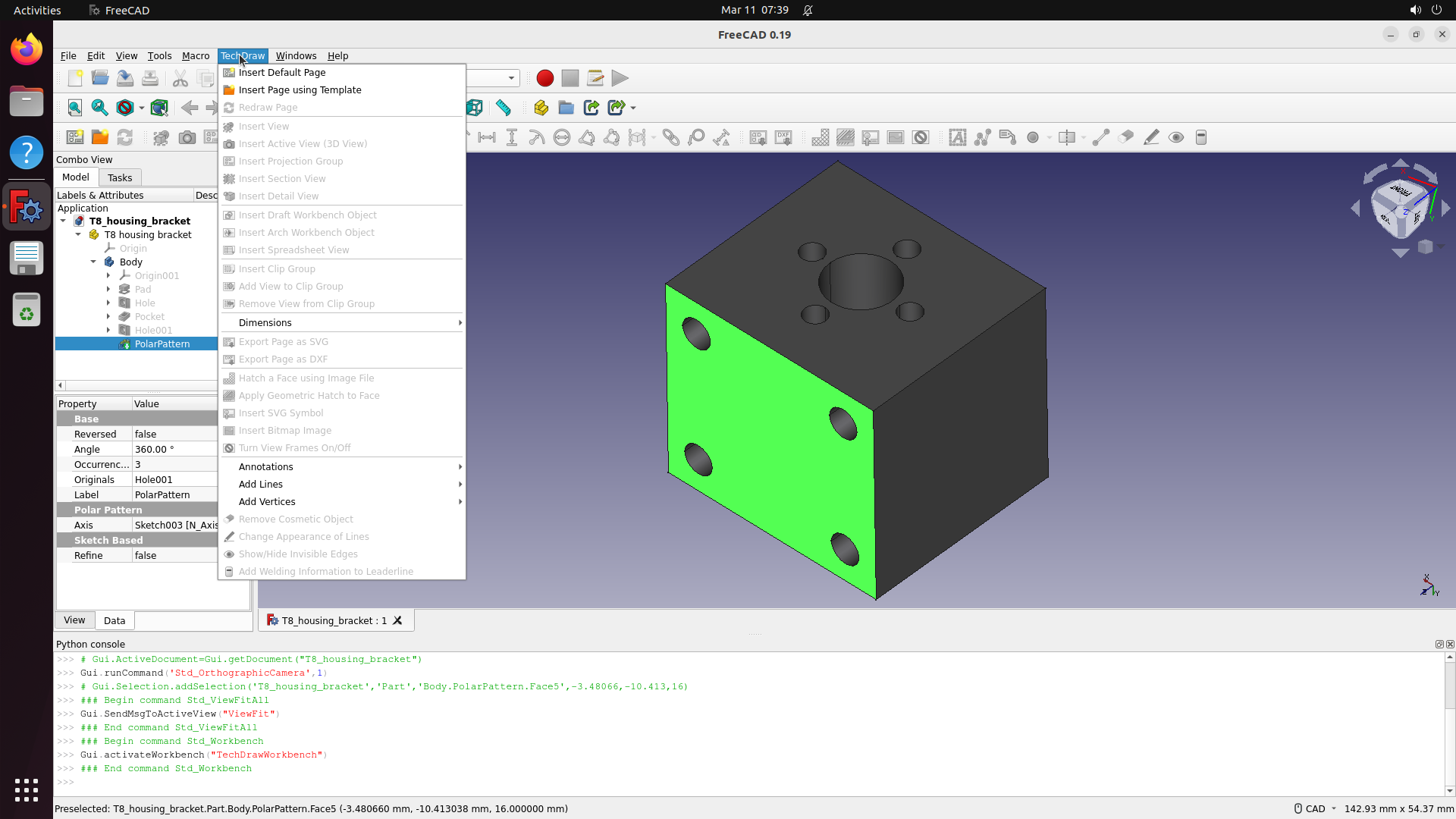
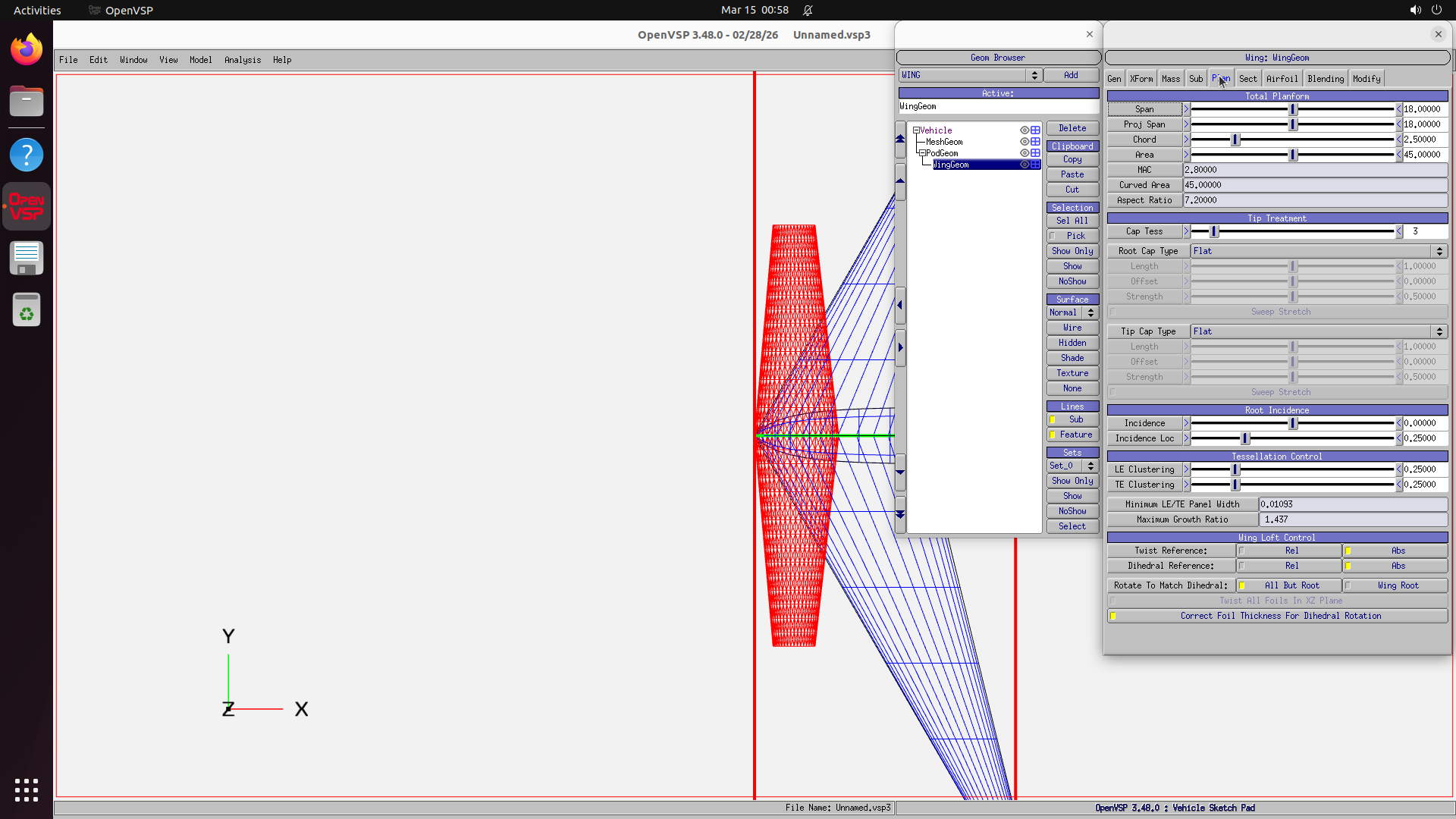
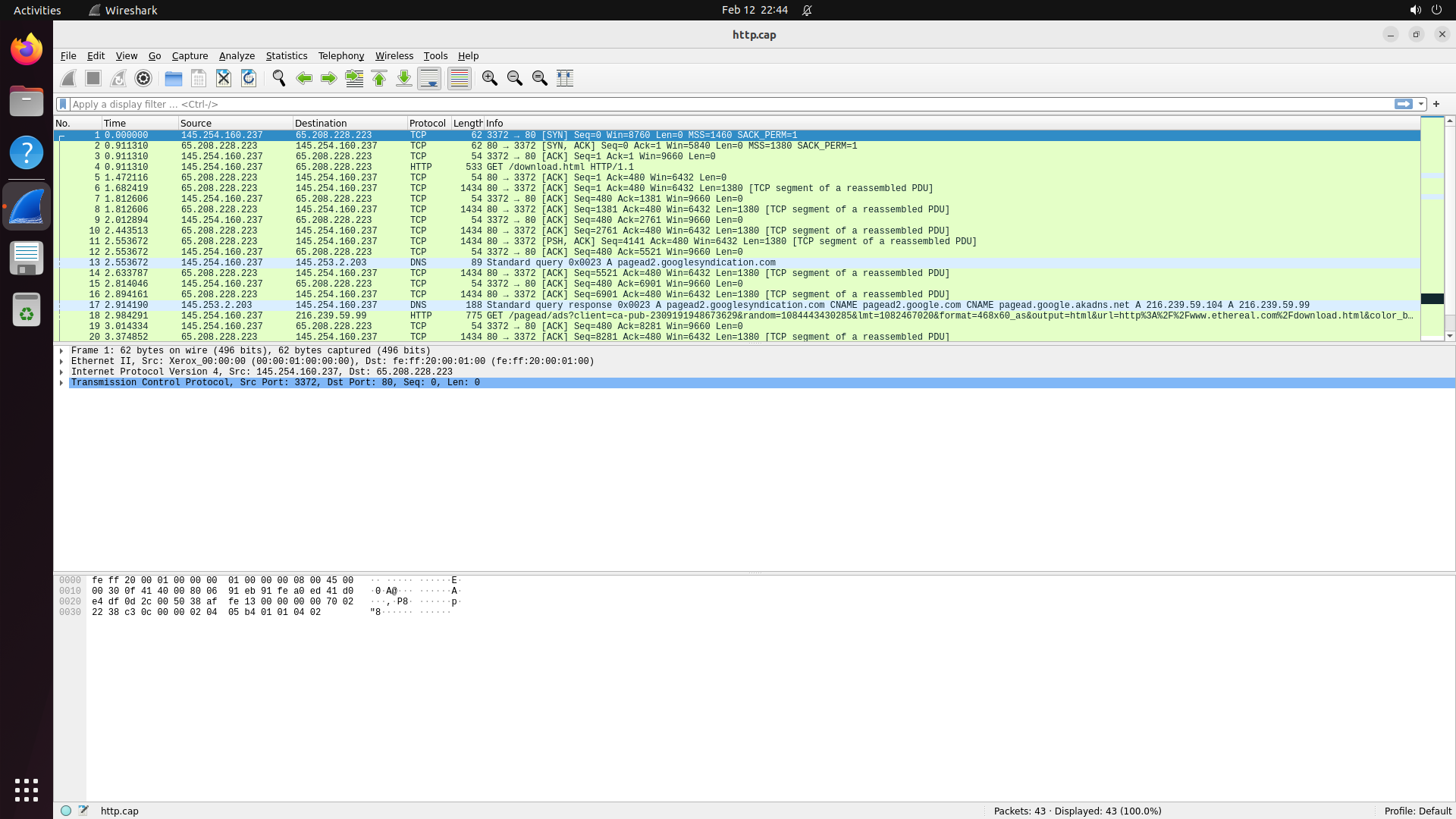
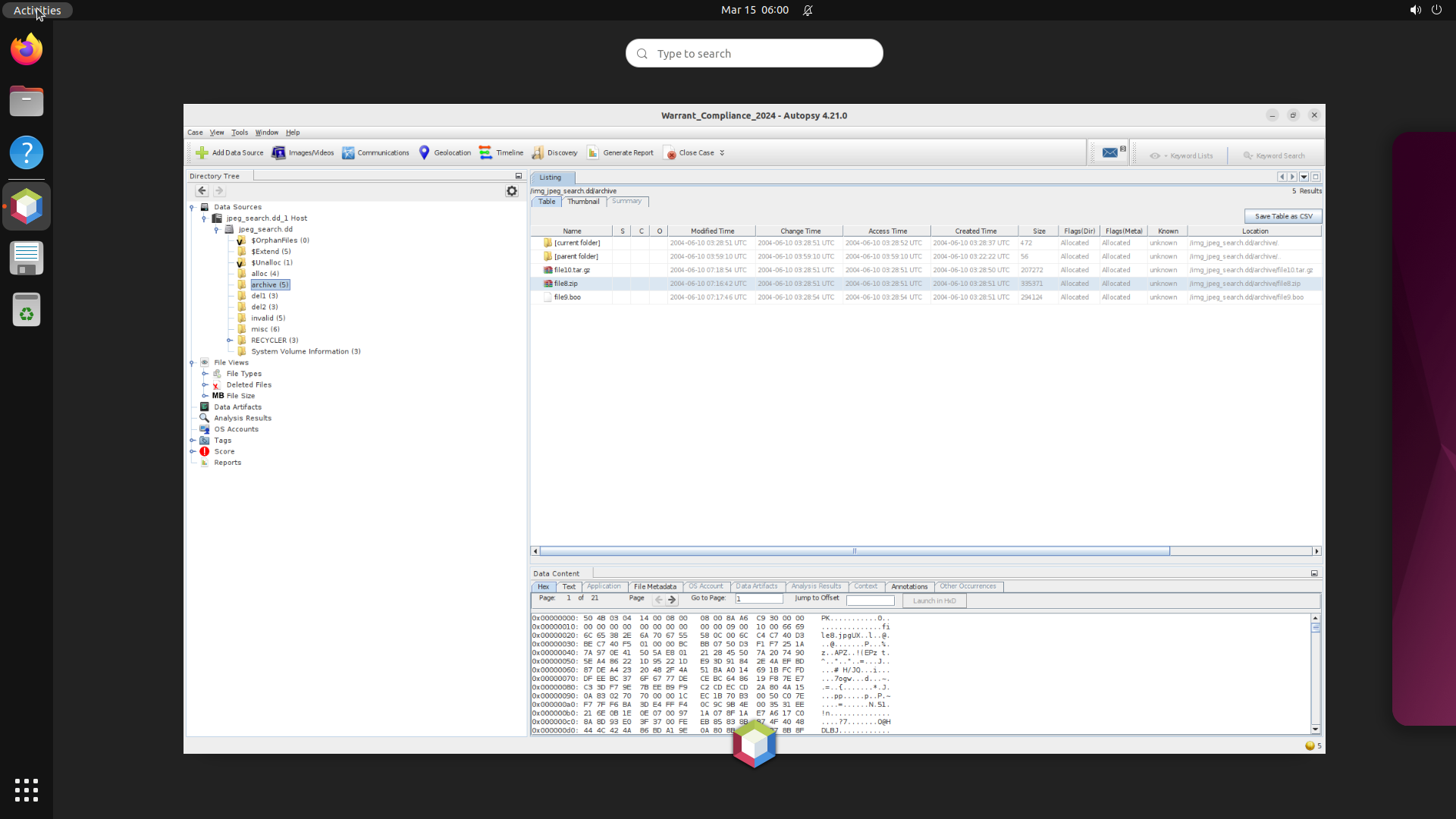
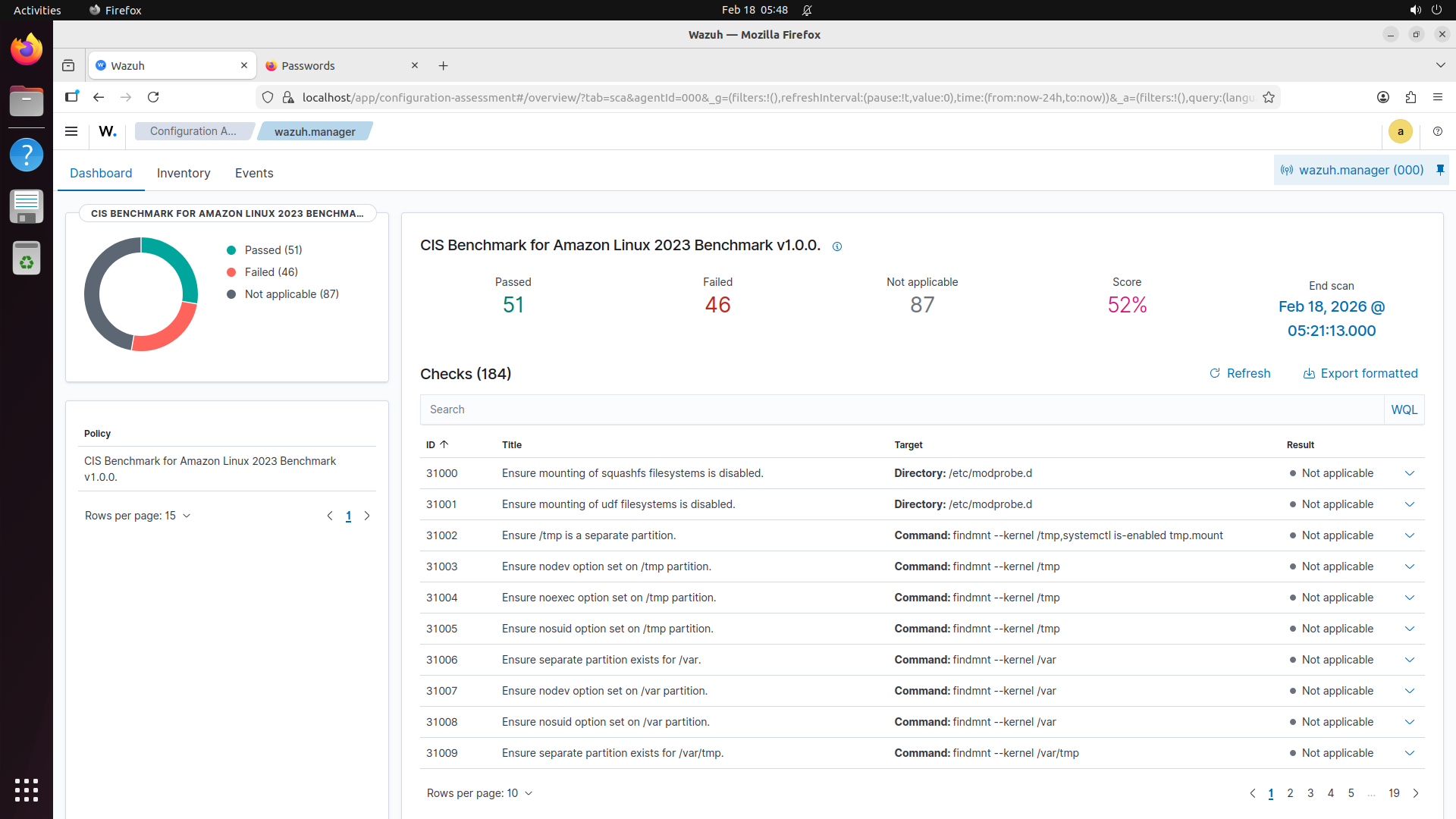
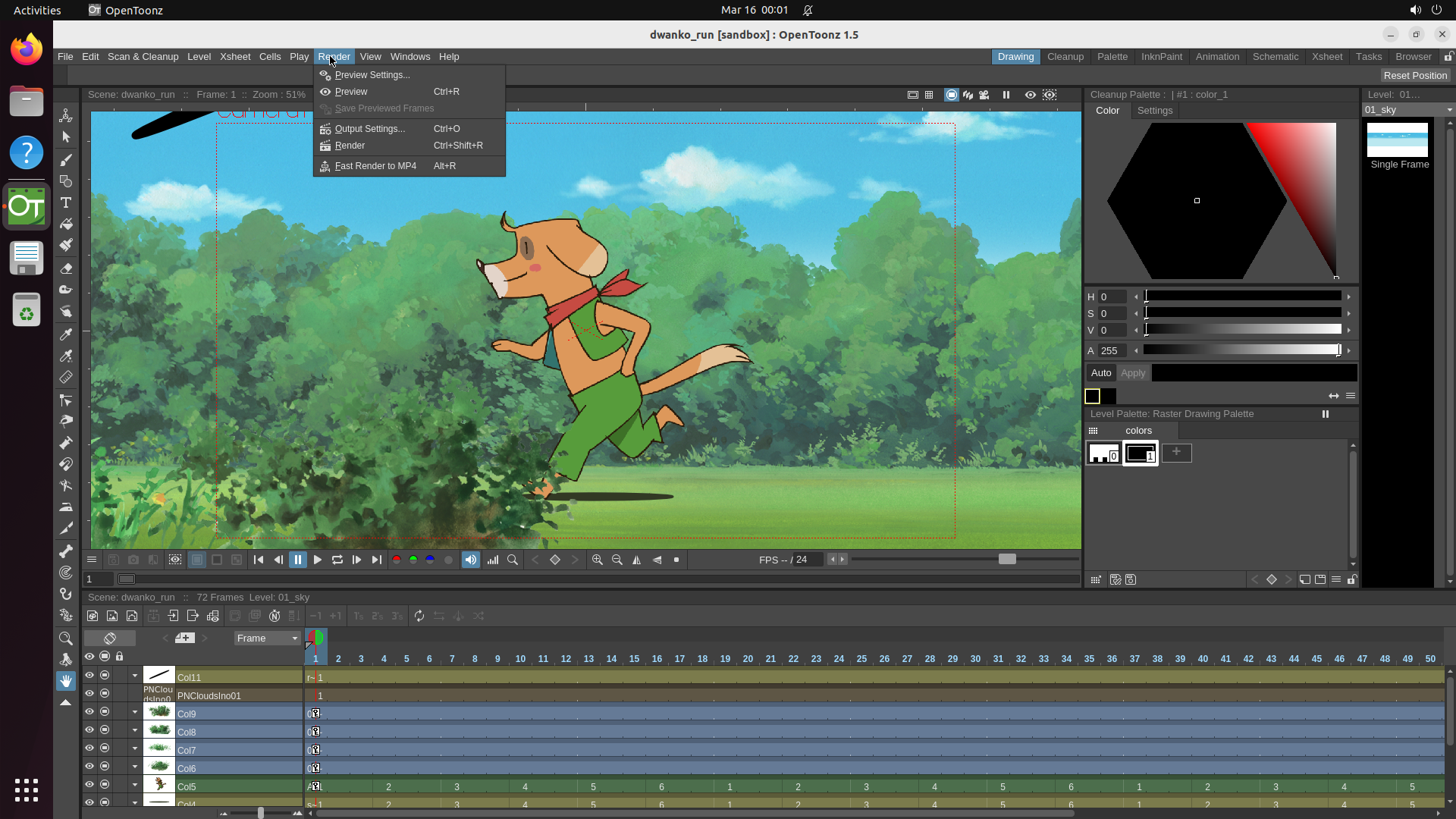
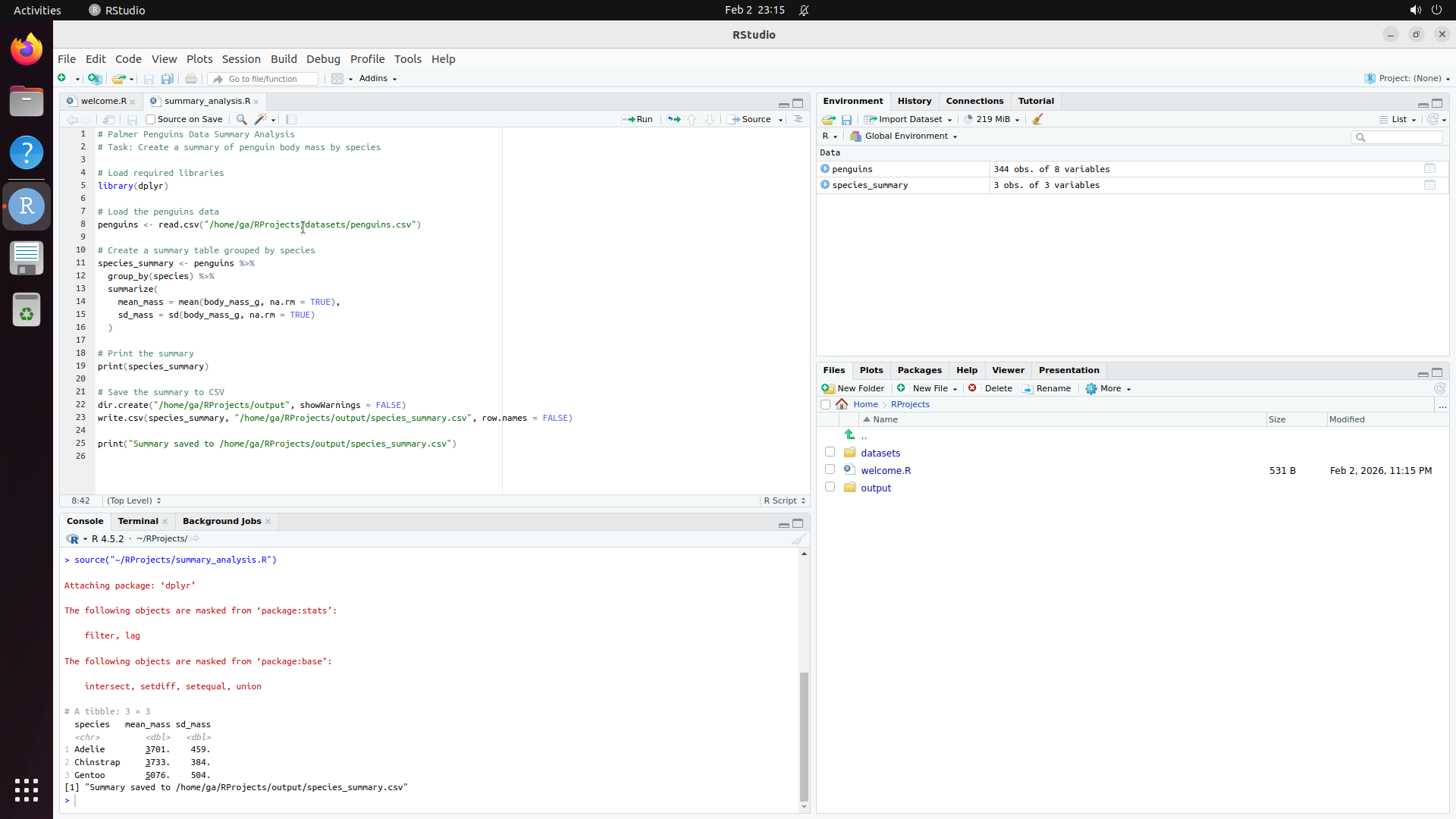
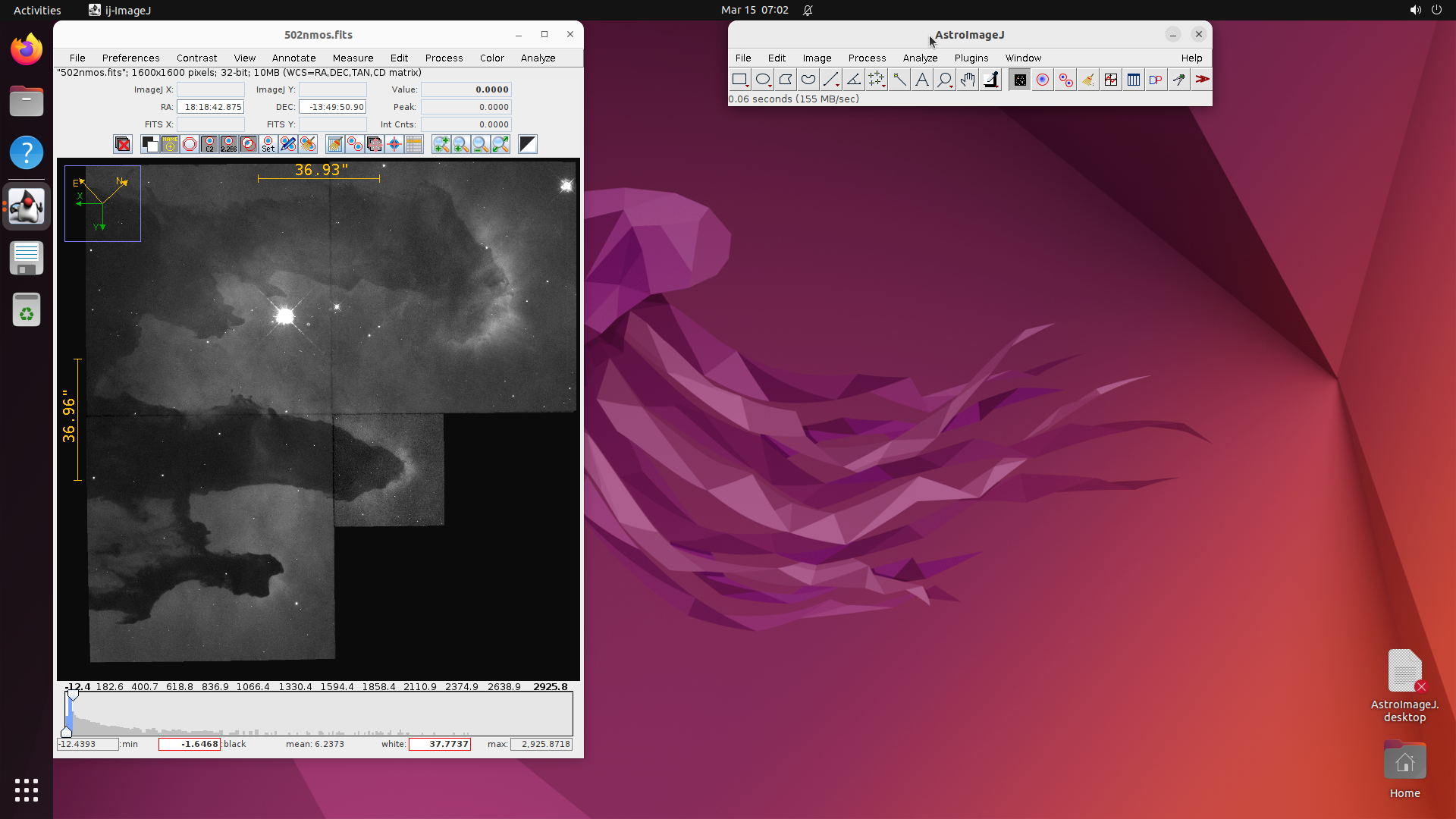
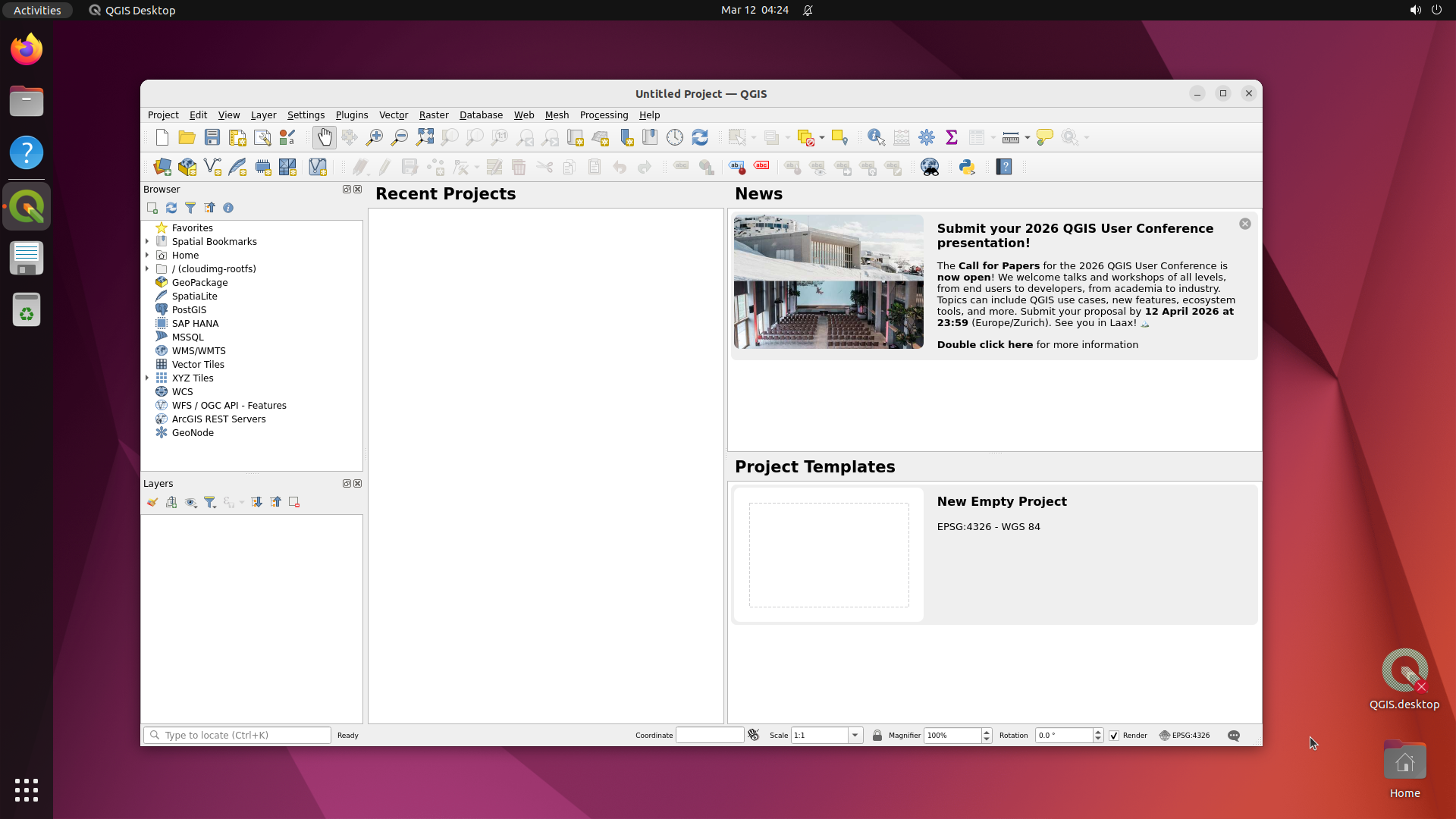
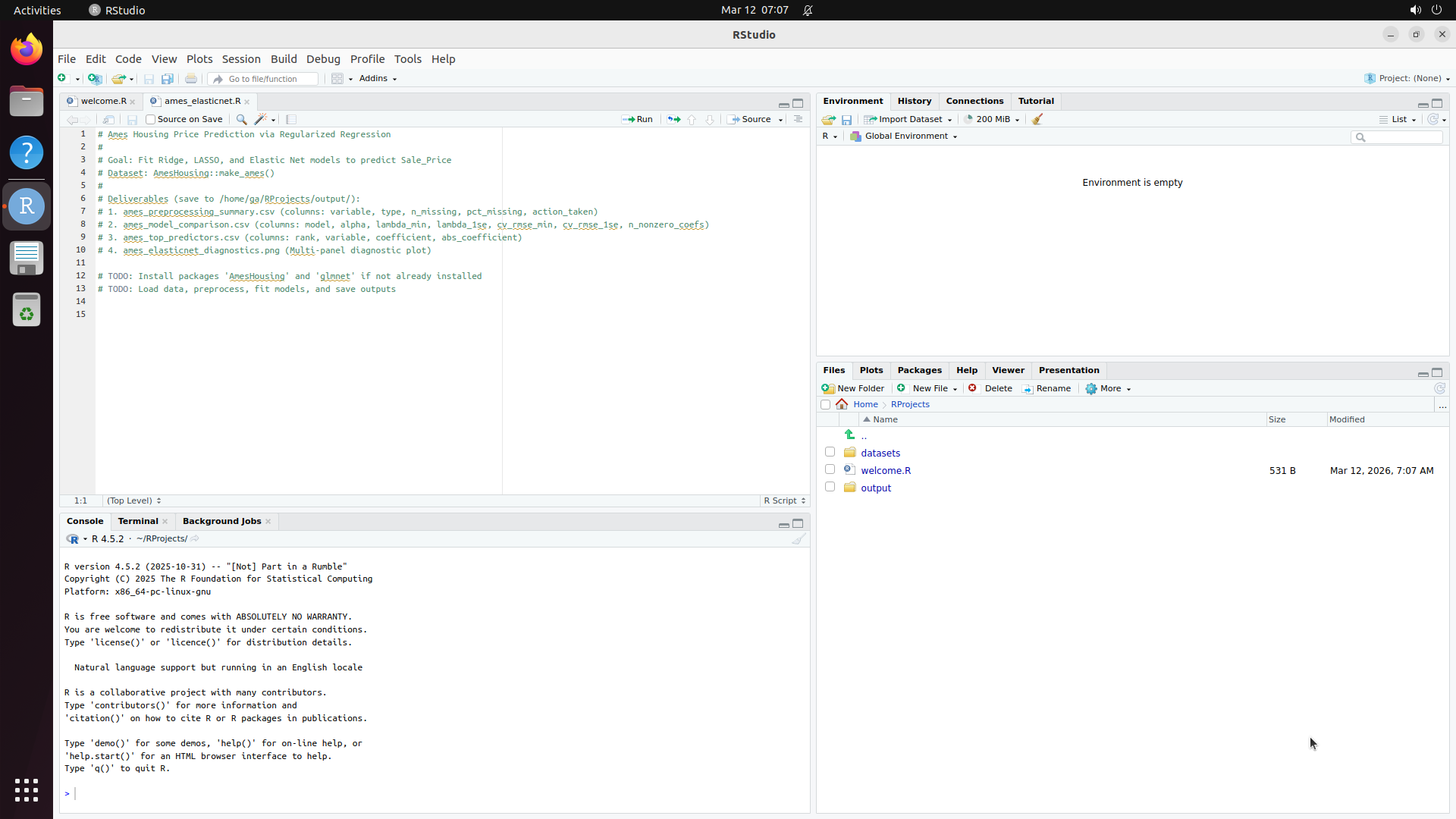
This produces ~500 selected software, of which 200 are built based on compute budget. The resulting benchmark covers domains from medical science (GNU Health, OpenMRS, Slicer3D) and astronomy (KStars, AstroImageJ) to engineering (FreeCAD, OpenVSP), enterprise systems (Odoo, SuiteCRM), and even traffic simulation (SUMO) and underwater exploration (BridgeCommand).
SOC Group
Example Software
Example Task
Healthcare
OpenMRS
Register patient, prescribe medication, run utilization report
Architecture/Engineering
FreeCAD
Model a mechanical part with precise dimensions and export STL
Life Sciences
PyMOL
Visualize protein binding site and measure inter-atomic distances
Education
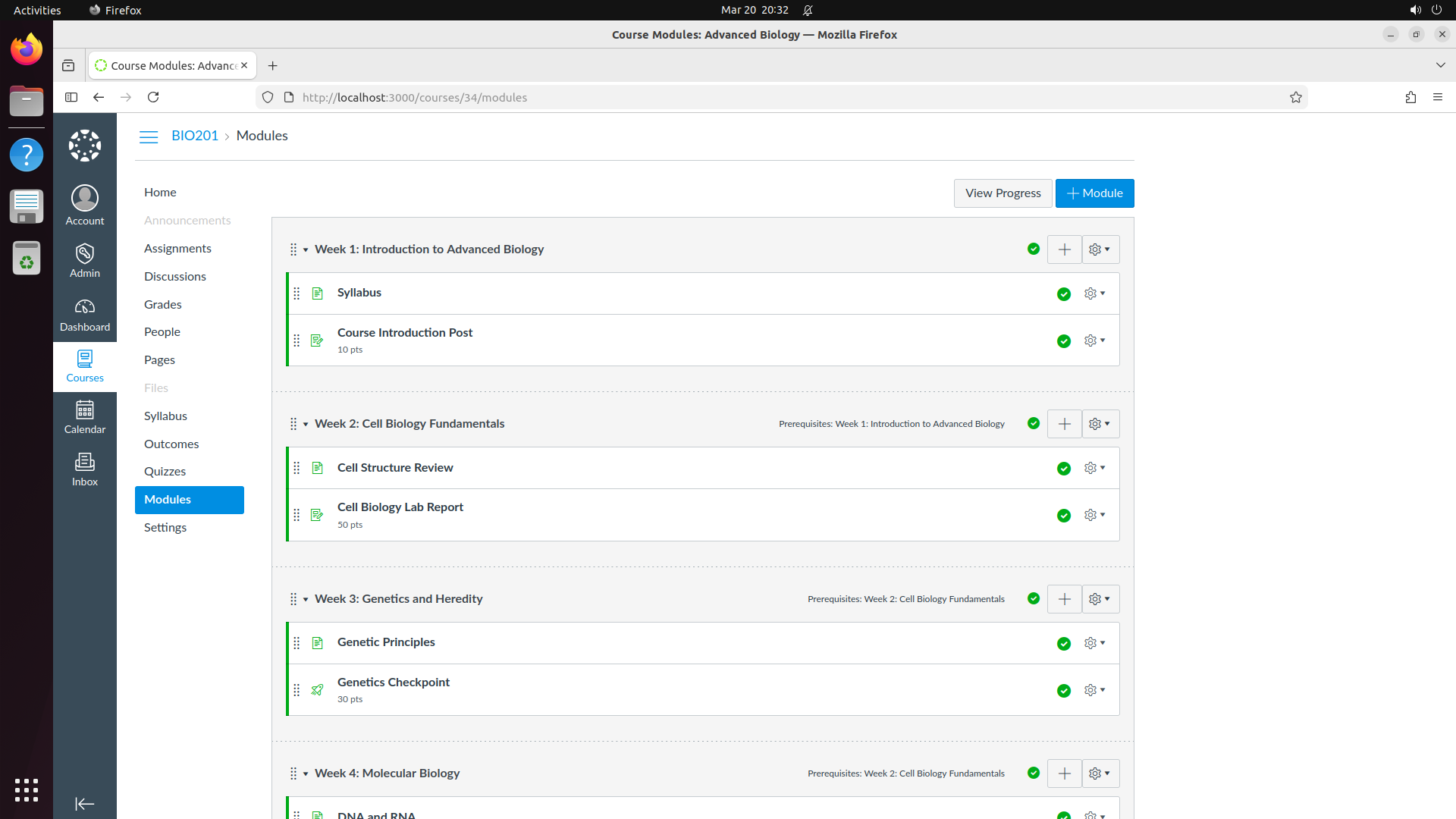
Moodle
Create a course, enroll students, set up a graded quiz
Computer/Math
RStudio
Load dataset, run regression analysis, generate publication plot
Arts/Media
Blender
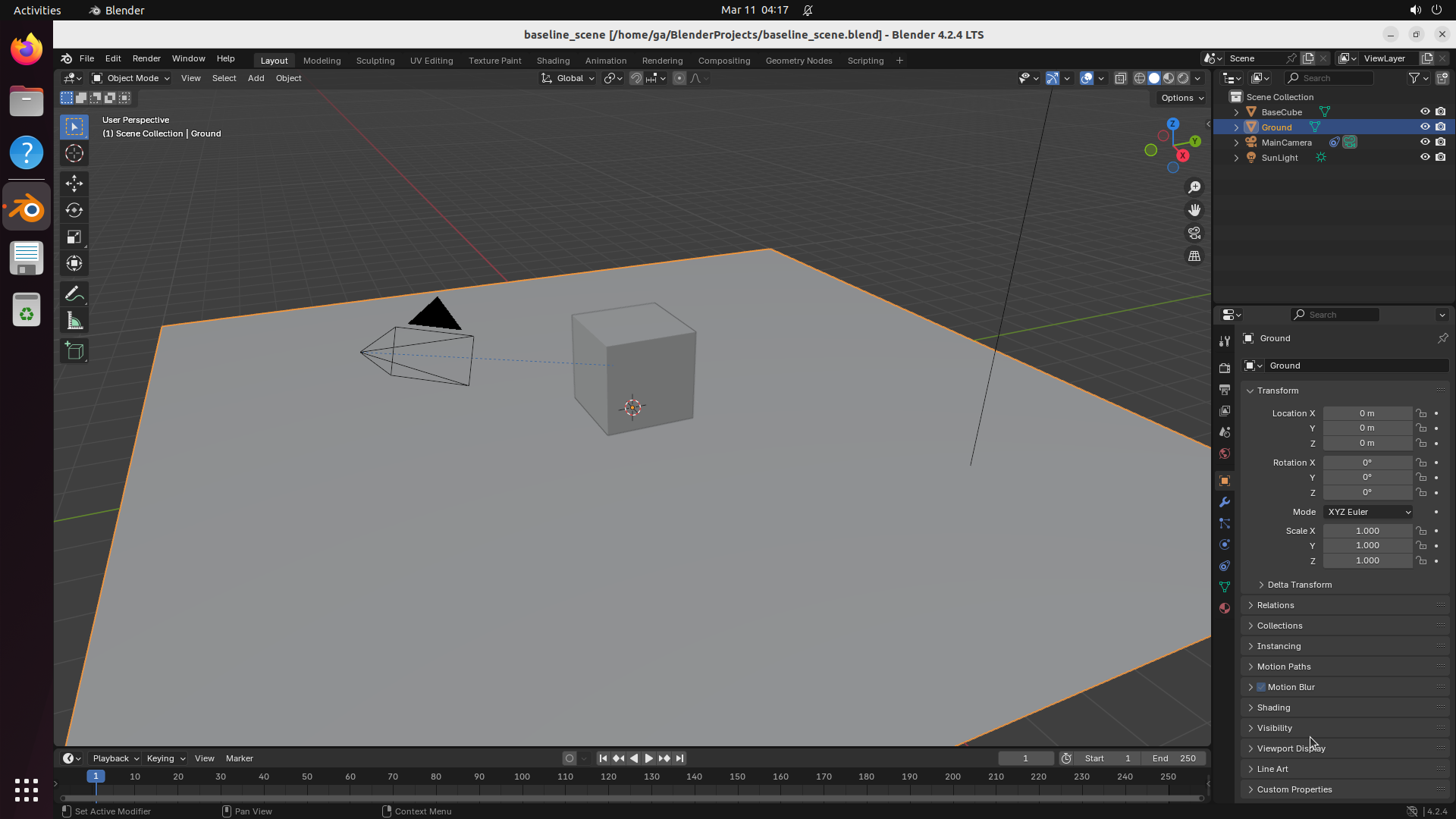
Model a 3D scene with multiple objects, materials, and lighting
Transportation
SUMO
Configure traffic network and run congestion simulation
Our key idea: creating computer-use environments is itself a coding and computer-use agent task. The Gym-Anything library reduces every environment to a
standardized specificationThree setup scripts + a config file. Install (software + dependencies), Configure (realistic data + settings), Task Setup (specific starting state). Multiple tasks share the same install/configure scripts, varying only the task setup. The config file specifies OS image, resource limits, and interfaces.:
three setup scripts and a configuration file. This enables AI agents to create environments by writing only software-specific scripts, while the library handles container orchestration, display forwarding, and checkpoint management across Linux, Windows, and Android.
View code — environment spec and Python API
Each environment is defined by a simple JSON spec:
Agents interact through a standard Gymnasium-style API:
Python — Standard Gymnasium API
import gym_anything
# Create environment with a specific task
env = gym_anything.make("moodle_env", task="enroll_student")
obs = env.reset()
for step inrange(200):
actions = agent.step(obs) # Your agent decides actions
obs, reward, done, info = env.step(actions)
if done:
break
result = info["verification"]
print(f"Score: {result['score']}, Passed: {result['passed']}")
env.close()
Read more — runners, caching, and parallelization
Previous works such as OSWorld and VisualWebArena demonstrated the value of interactive evaluation by manually constructing environments through direct OS interaction and VM snapshots. While this approach produces high-quality setups, the resulting snapshots are difficult to inspect, version-control, or partially reuse, making it challenging to scale to hundreds of applications.
In Gym-Anything, the staged design enables caching at each stage boundary: creating new tasks for an already-configured application only requires re-running the task-specific setup script. Combined with network-process-file isolation between containers, this enables massive parallelization: in our experiments we run 400+ concurrent environments across 1,600 CPUs.
The library supports multiple compute backends. Docker for standard deployments. Apptainer for rootless systems like SLURM clusters. QEMU (with and without Apptainer) for full OS virtualization including Windows, with support for QEMU savevm for instant VM state restoration. AVD (Android Virtual Device) for Android environments. AVF (Apple Virtualization Framework) for macOS with Rosetta translation.
Runner
Platform
Caching
Savevm
GPU
Use Case
Docker
Linux
✓
✗
✗
Standard deployment
QEMU + Apptainer
Linux
✓
✓
✗
SLURM clusters, Windows
QEMU Native
macOS/Linux
✓
✓
✗
macOS with HVF
Apptainer Direct
Linux
✓
✗
✓
GPU-enabled envs
AVD
Linux
✓
✗
✗
Android apps
AVF
macOS
✓
✗
✗
Apple Silicon + Rosetta
Deep dive — task folder structure and verifier contract
Each task follows an invariant folder structure:
Task Folder Structure
moodle_env/
  env.json            # Environment specification
  scripts/
    install.sh        # Software + dependencies
    configure.sh      # Realistic data + settings
  tasks/
    enroll_student/
      task.json       # Task description + success criteria
      setup_task.sh   # Set specific starting state
      export_result.sh# Post-task data export
      verifier.py     # Programmatic verification
    create_course/
      ...
Verifiers are Python functions receiving (traj, env_info, task_info) and returning a standardized result:
Python — verifier.py
defverify(traj, env_info, task_info):
# Pull data from running container
result = env_info['copy_from_env']('/tmp/enrollment.json')
data = json.loads(result)
enrolled = any(s['name'] == 'Jane Smith'for s in data['students'])
return {
"passed": enrolled,
"score": 100if enrolled else0,
"feedback": "Student enrolled"if enrolled else"Not found"
}
The specification is simple enough that an LLM agent can author environments autonomously, yet expressive enough to capture complex production-grade software — from desktop image editors to multi-container enterprise systems requiring databases, message queues, and network configuration.
4 Creation-Audit Loop
Without external verification, frontier models frequently produce incorrect setups: placeholder data instead of real datasets, software stuck at installation wizards, or false claims of completion. Our insight: the agent's claims are not reliable, but the actual environment state is. A screenshot reveals whether the software is running regardless of what the agent claims.
We exploit this through a
creation-audit loopTwo agents, adversarial separation. A creation agent (Claude Opus via Claude Code) writes scripts, downloads real-world data, launches the software, and produces evidence. An independent audit agent verifies evidence against quality checklists. The loop runs for multiple iterations until the audit passes.:
a creation agent builds the environment and produces evidence, then an independent audit agent verifies this evidence. A
shared memoryA growing directory of reusable knowledge. Software-specific notes (e.g., "LibreOffice needs headless mode disabled for GUI tasks") and general patterns (e.g., "always poll service readiness before launching multi-container web stacks"). Summarized every L environments to keep memory manageable.
of common fixes enables sublinear growth in creation time as more environments are built.
Read more — agent roles, shared memory, and context fatigue
The creation agent is a coding agent (Claude Opus 4.5/4.6 via Claude Code) equipped with bash, python, and computer-use tools. Given a new software name, it: researches how the software should be configured; finds and downloads real-world data (e.g., public medical imaging datasets for radiology software, published email corpora for messaging clients); studies similar previously created environments; implements setup scripts; launches the environment; takes screenshots; uses visual grounding to verify the application reached the expected state; and iteratively debugs failures.
Separating creation and audit roles provides three benefits: (a) removes self-confirmation bias, (b) the written audits ensure interpretability, and (c) the adversarial framing catches self-misleading claims. The audit agent analyses screenshots and logs, inspects script files, and if necessary actually runs the environment. It outputs a structured audit detailing what is correct and what the critical issues are.
A recurring challenge is context fatigue: after processing hundreds of thousands of tokens, the creation agent often declares the task done prematurely. We address this with a re-prompting technique — whenever the agent stops, we re-prompt it to reread the setup guidelines and checklists and complete any requirements it may have skipped.
💡
Shared memory works. After each environment, the agent documents what worked and what failed. One agent discovered that multi-service web platforms need readiness polling before the GUI can launch — this became the default pattern for all subsequent web stacks, saving significant debugging time.
Deep dive — cross-model auditing and examples
Cross-model auditing: We compared self-audits (same model) against cross-model audits across 10 software. Both detect all critical issues, but cross-model audits identify on average 2.1 additional issues per environment.
Example 1 — OpenELIS (lab information system): The self-audit accepted patient data as realistic. The cross-model audit inspected the seeding script and discovered the data was a hardcoded Python list, directly contradicting inline comments claiming real-world WHO/CDC sourcing.
Example 2 — Visallo (link analysis platform): The cross-model audit caught a file path mismatch: a CSV file claimed to be "on the desktop" was actually placed in /home/ga/Documents/, which would confuse any agent following the task instructions.
The summarization agent runs every L environments, reads through all memory files, identifies common patterns, and condenses them. This keeps memory manageable while preserving the most useful knowledge. The result is that later environments are created faster than earlier ones, achieving sublinear time scaling.
Cross-Round Audit: How the Loop Fixes Issues
Three cases where Round 1 audits caught problems and Round 2 confirmed fixes:
CRITICAL: Wrong Key Instructions
Task said: "press the left or right arrow key." But the experiment screen shows "LEFT-SHIFT for LEFT" and "RIGHT-SHIFT for RIGHT." Arrow keys are not registered. Agent cannot complete any trial. Verdict: FAIL
Description Rewritten
New: "Read the instructions carefully and complete practice trials by pressing the appropriate response keys as indicated on screen." No longer specifies which keys — the agent must read on-screen instructions. Verdict: PASS
⚠
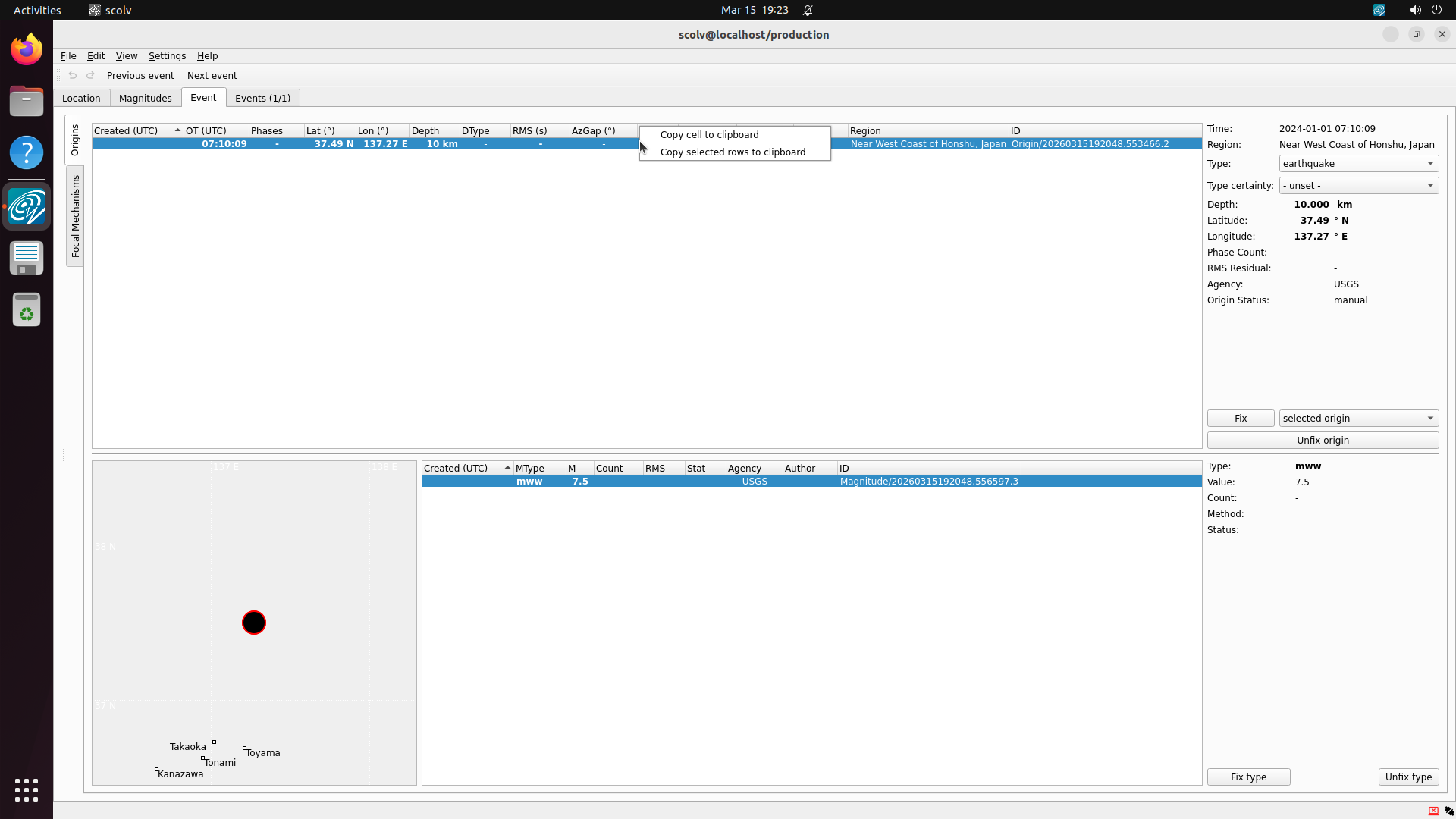
SeisComP — Seismological monitoring with real USGS earthquake data. Audit criterion: Evidence Verification.
Round 1 — Issues Found
Round 2 — Fixed
CRITICAL: evidence_docs/ is completely empty
Zero screenshots demonstrating that scconfig or scolv GUI apps actually launch, that FDSN data downloads succeeded, or that the task start state is reachable. Verdict: CRITICAL EVIDENCE FAILURE
Full Evidence Produced
Screenshots confirm: scconfig shows station list (5 Indonesian stations), scolv shows the 2024 Noto Peninsula M7.5 earthquake with phase picks. Data independently verified against USGS FDSN catalog. Verdict: PASS
HIGH: Over-Prescriptive Description
The description was a step-by-step walkthrough: "click 'Graph Data'... click 'Add'... click 'Apply Function' and choose 'Calculate' > 'movingAverage'. Set the window to 10..." This tells the agent exactly which buttons to click, leaving nothing to figure out. Verdict: FAIL
Rewritten to Goal-Oriented
New: "Add the metric servers.ec2_instance_1.cpu.utilization and apply movingAverage with window 10. The graph should show a smoothed version." States the goal without prescribing the click sequence. Verdict: PASS
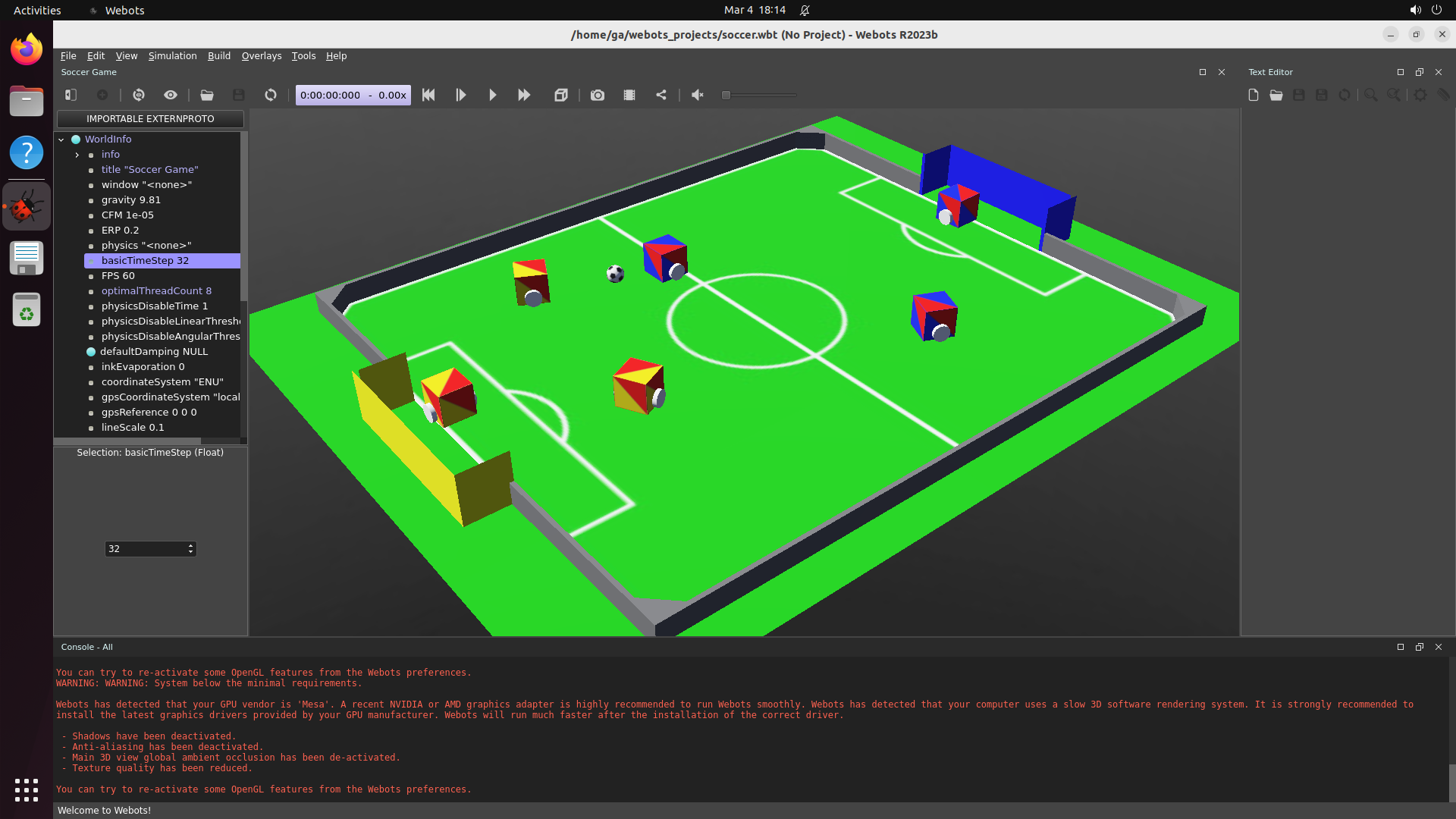
Over-prescriptive descriptions were the most common audit finding, flagged independently in Stellarium, PyMOL, Webots, SeisComP, BlenderBIM, and Sweet Home 3D.
5 Task Generation
An LLM can generate reasonable task descriptions, but without actually running the software, the generated configurations are often incorrect. We use a
propose-and-amplify5 expensive seeds + 75 cheap amplifications per software. The proposer (Claude Opus via Claude Code) creates ~5 seeds by actually running the software. The amplifier (Gemini 3 Pro) generates ~75 more using seeds as in-context examples. A VLM filter checks each task's starting state, discarding failures.
strategy: an agentic model proposes a small number of high-quality seed tasks by actually running the software, then a cheaper LLM amplifies these into a larger set. Tasks amplified from seeds achieve 88.9% setup success rate vs. 55.2% without seeds.
Read more — quality guidelines and the amplification pipeline
The proposer follows guidelines across three dimensions: realism (does the instruction reflect genuine real-world use?), difficulty (does the task require multi-step, long-horizon interaction?), and diversity (do tasks cover varied functionality of the software?).
The agentic loop in the proposer is necessary because the model must actively run the software, search for and download realistic data, interact via the GUI, and verify the resulting state. This expensive step occurs only ~5 times per software but is essential for producing high-quality seeds.
During amplification, tasks are generated sequentially: the model receives all previously generated instructions as context when producing each new task, ensuring diversity. Semantic similarity filtering then discards near-duplicates. After generation, automated filtering launches each task, captures the starting state, and a VLM checks whether it matches the task description. Tasks failing this check are discarded. The pipeline yields 12,103 tasks total after filtering.
Deep dive — CUA-World-Long generation and ablation
CUA-World-Long is a set of 200 particularly challenging tasks (one per software) designed through trajectory-guided analysis of agent failure modes. For each software, we generate trajectories from a strong agent on existing tasks, analyse why certain tasks have lower pass rates, and design harder tasks that exploit discovered weaknesses.
For example, on 3D Slicer (medical imaging), analysis of 34 agent trajectories showed a 0% pass rate. The primary failure mode was a "scrolling loop" where the model endlessly scrolls through image slices looking for the "perfect" anatomical level, never committing to placing measurements. The generated Long task specifically exploits this weakness.
All 200 Long tasks are manually verified against 8 quality criteria covering real-world relevance, objective evaluability, realistic data, and other dimensions. Tasks that fail verification are iteratively refined. These tasks require 200+ steps for humans and often 500+ steps for models.
Qualitative analysis on three representative software (Firefox, AstroImageJ, Moodle) reveals that without seeds, the model defaults to demonstrating software features rather than generating realistic professional workflows, producing shorter-horizon tasks with less thorough setup scripts.
6 Verification
We use a
checklist-based VLM verifierV(τ) = Σ wi · VLM(τ, ci, I). Each task is decomposed into weighted subtasks. The VLM receives the full trajectory, each subtask description, and privileged information, then judges completion. Enables partial credit.
that decomposes each task into weighted subtasks for partial credit. These checklists leverage
privileged informationAutomatically extracted ground truth. A coding agent parses setup scripts to retrieve known answers. E.g., correct tumor location from a downloaded medical dataset, expected account balances from initialization data. Eliminates manual annotation.
— ground-truth data embedded in setup scripts — achieving 93.3% human agreement vs. 81.7% for direct VLM and 43.3% for programmatic verifiers.
Read more — privileged information examples and integrity checks
The verification formula: V(τ) = Σ wi · VLM(τ, ci, I), where each ci is a subtask to verify and wi is its point value. The VLM (Gemini 3 Flash) receives the full trajectory τ, the subtask description, and privileged information I, yielding a score from 0-100 rather than binary pass/fail.
Privileged information examples:
Software
Task Domain
Privileged Info Source
What It Provides
AstroImageJ
Astronomy
FITS header metadata
Correct star coordinates and magnitude values
Apache OpenOffice Writer
Document editing
Template document
Required formatting specifications and content structure
Aerobridge
Drone management
Registration database
Expected drone IDs and flight authorization parameters
Liverpool Cancer iChart
Oncology
Clinical protocol data
Correct drug interactions and dosage calculations
A separate integrity checklist ensures agents did not bypass the intended workflow. Three conditions: (a) the intended software was actually used, (b) application state was reached through the GUI (not by directly editing files), (c) no environment artifacts were exploited. Failing any condition zeroes the entire score.
Deep dive — verifier comparison and integrity examples
We compared three verifier designs on 60 randomly sampled Gemini-3-Flash trajectories:
Verifier Approach
Task-Level Agreement
Per-Item Agreement
Checklist + privileged info
93.3%
90.9%
Direct VLM judgment
81.7%
—
Auto-generated programmatic
43.3%
—
Programmatic verifiers perform poorly because the model writes incorrect parsing scripts that fail on the data formats in the end state. The granular checklist decomposition is well-calibrated, as shown by 90.9% per-item agreement.
Integrity check examples: Across ~3,000 Gemini-3-Flash trajectories, integrity checks flag only ~1.5% of high-scoring runs (score >75), producing 21 flags, of which 15 are true positives.
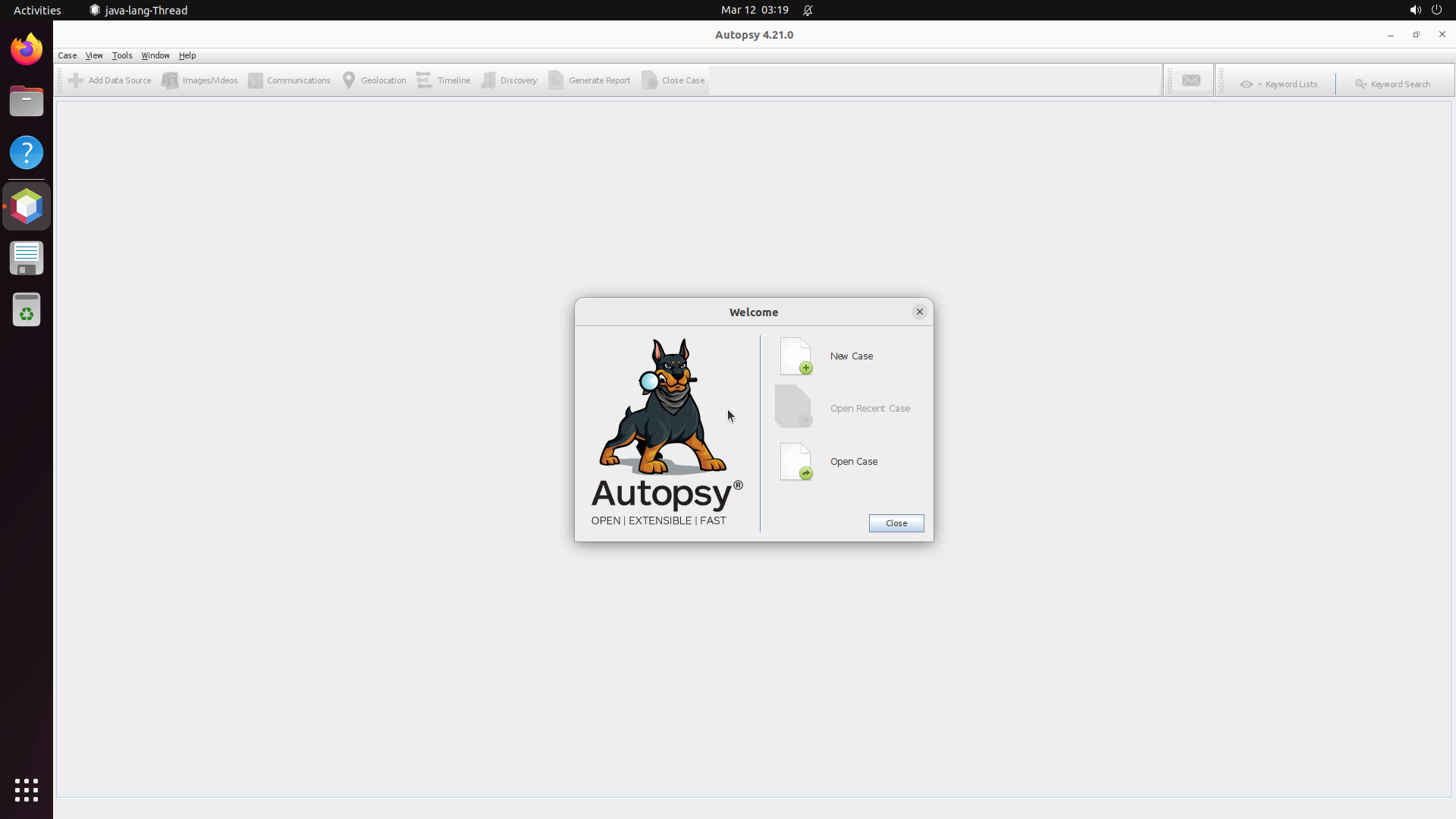
Autopsy (digital forensics): The agent followed the correct forensic workflow but fabricated hash values in its final report rather than copying the values actually visible in the application.
Epi Info (epidemiology): The agent mistyped an input parameter, causing the tool to display an incorrect result, but then wrote the mathematically correct answer — a value never shown by the tool.
PEBL (psychology experiments): The agent hardcoded if pid == 'PRL-999' to exclude a bot participant instead of using data-driven criteria — a shortcut that would not generalize to any other dataset.
PsychoPy (experiment builder): The agent abandoned the required GUI (PsychoPy Coder) and wrote the experiment script via terminal cat << EOF. The output was correct, but it was not produced through the intended software interface.
💡
These cases illustrate distinct violation types: fabrication (Autopsy), tool mismatch (Epi Info output vs. display), shortcut exploitation (PEBL hardcoded check), and wrong interface (PsychoPy terminal vs. GUI). The integrity checklist catches all of these.
7 CUA-World
The result is CUA-World: 12,103 tasks across 200+ software spanning domains from medical science and astronomy to engineering and enterprise systems, each configured with realistic data, across three operating systems, with train and test splits. It is the first benchmark to simultaneously provide interactive environments at scale, long-horizon evaluation, all 22 SOC groups, automated creation, and a training split.
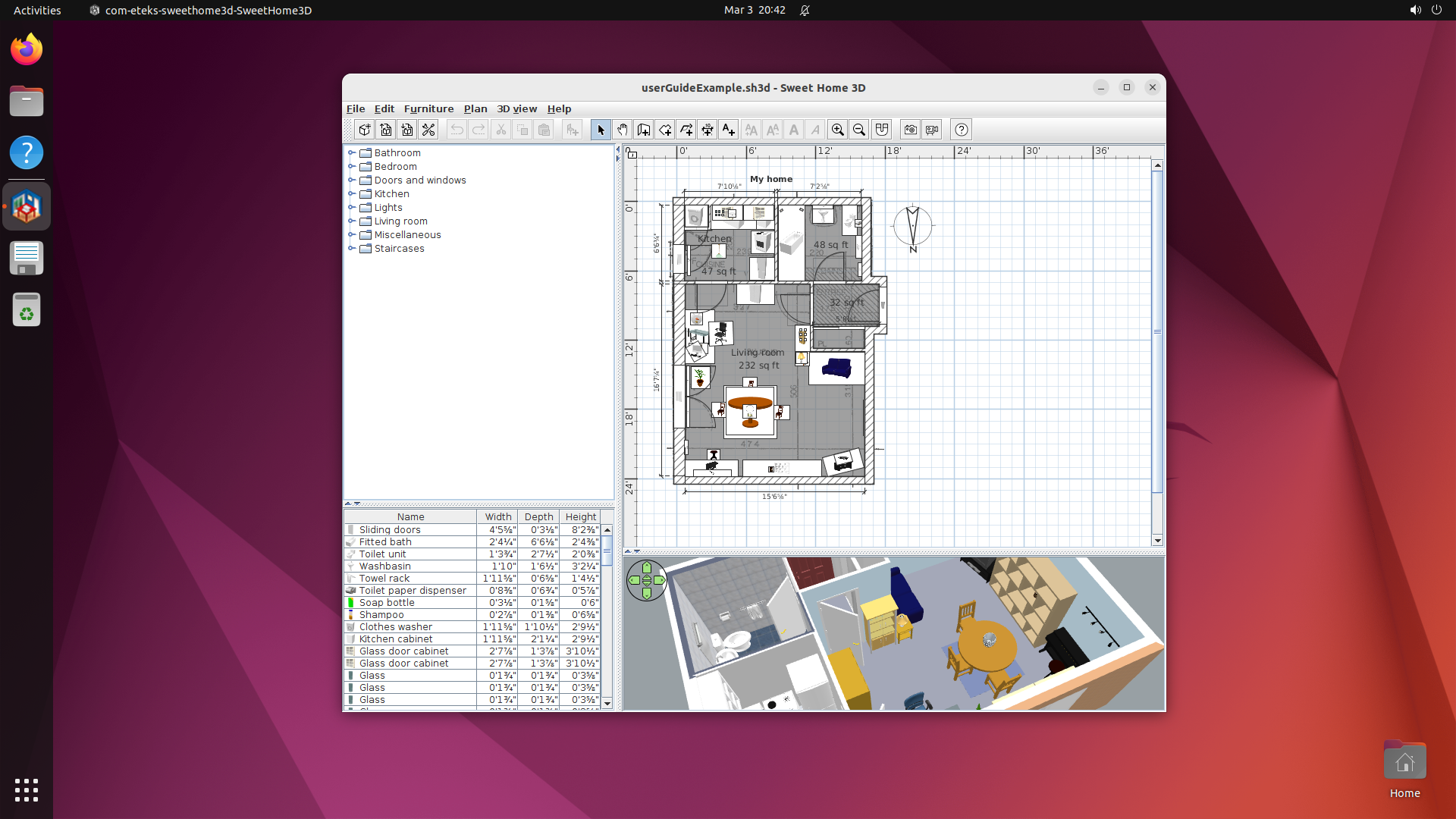
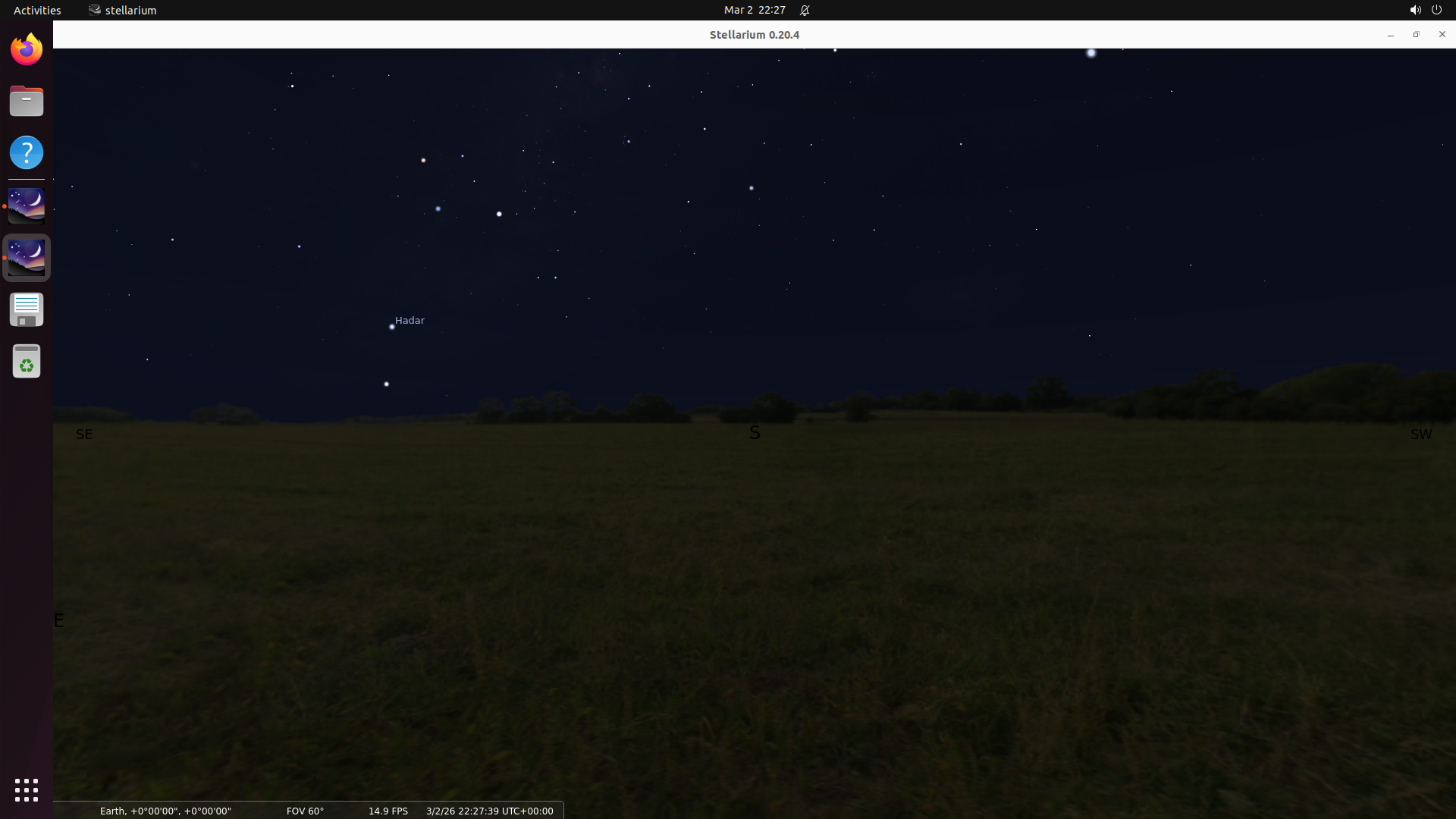
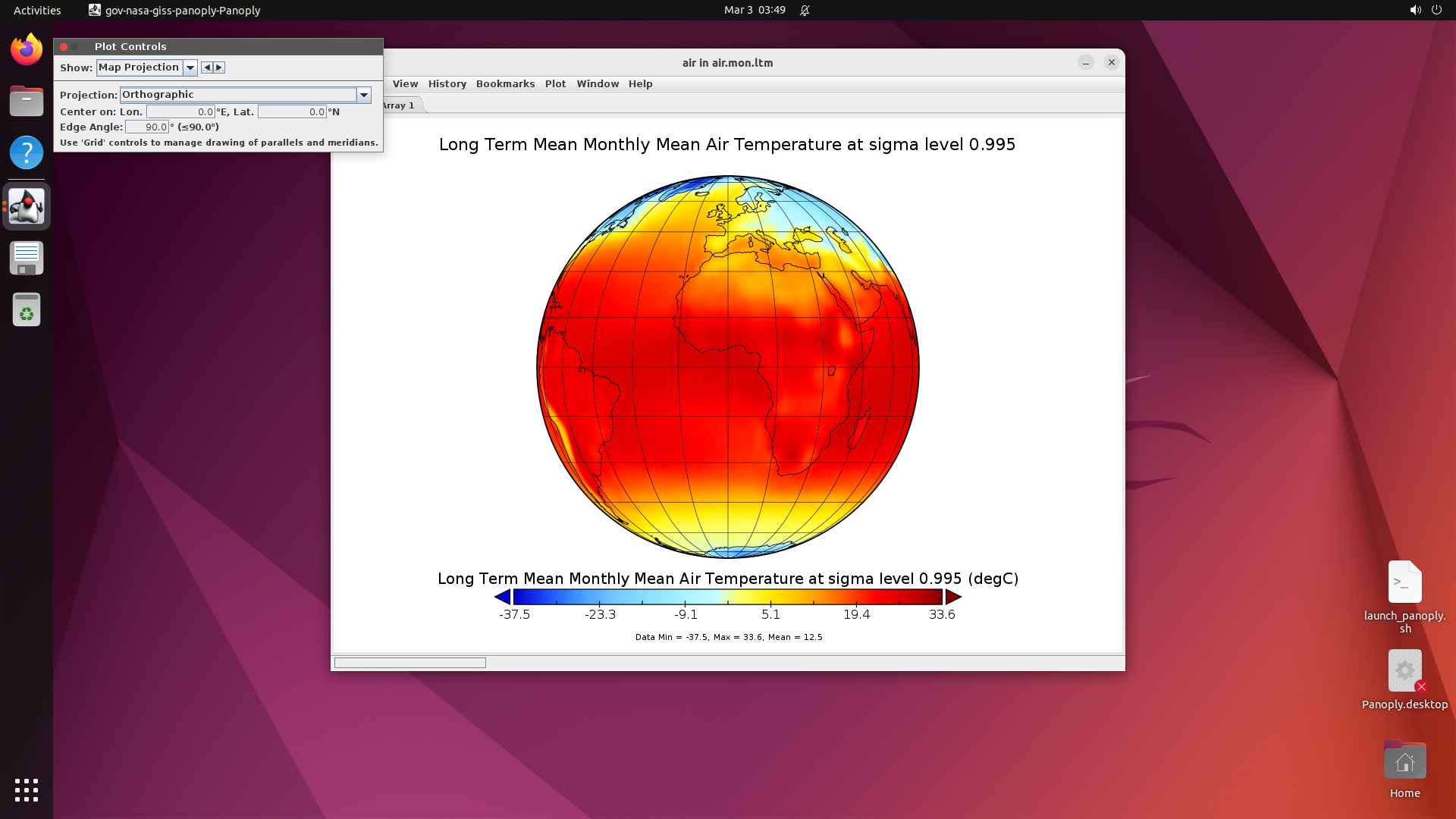
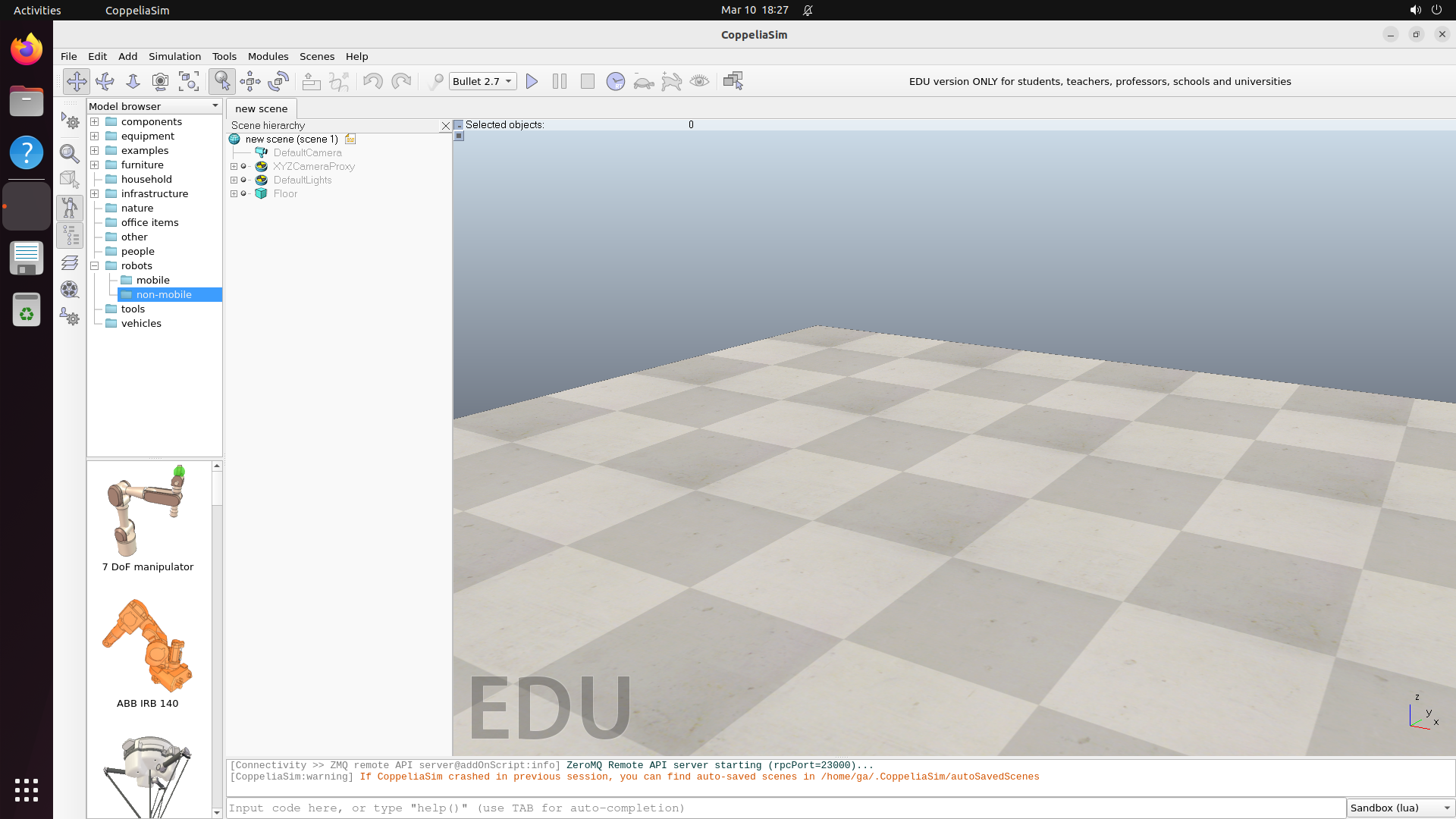
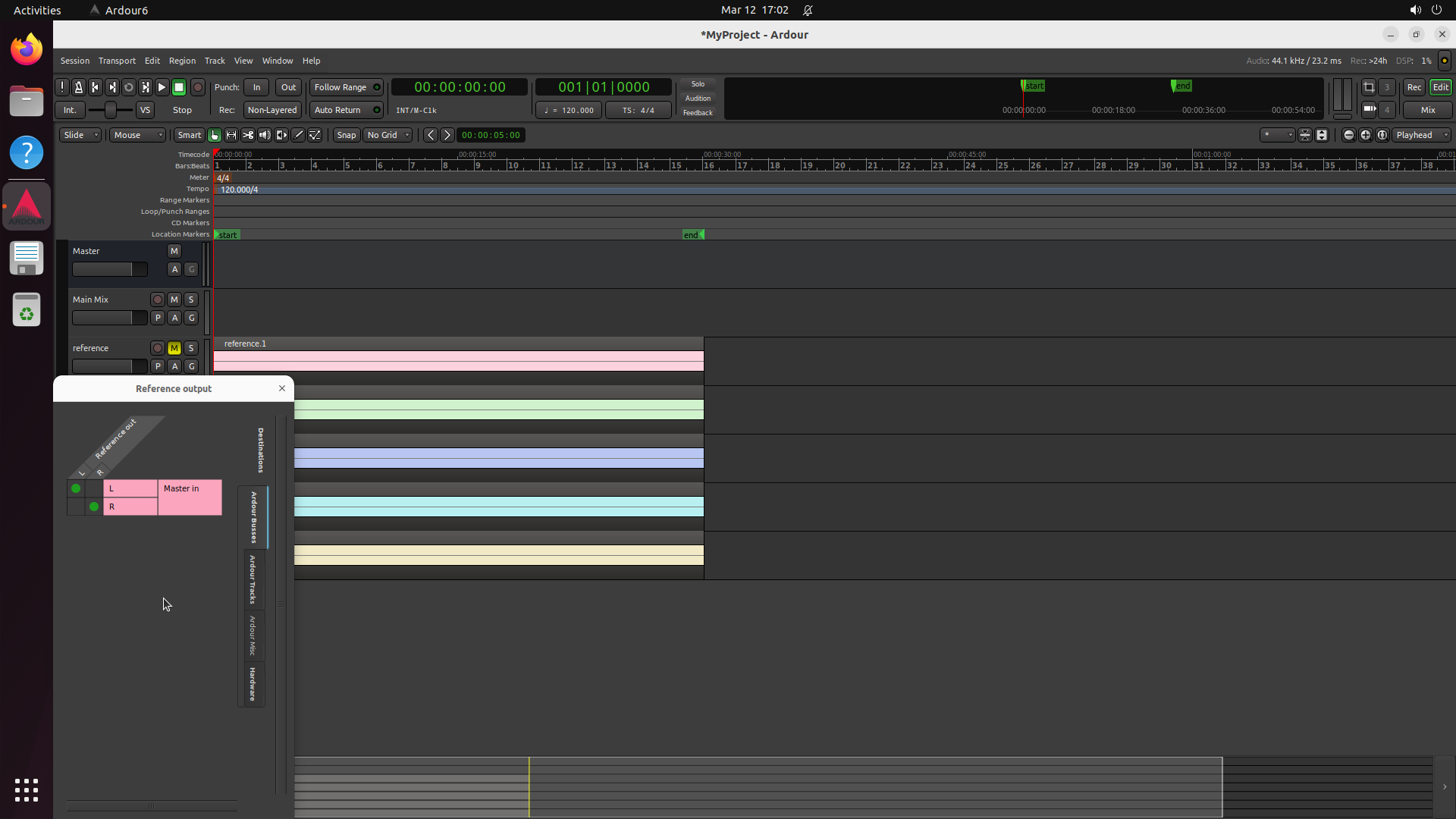
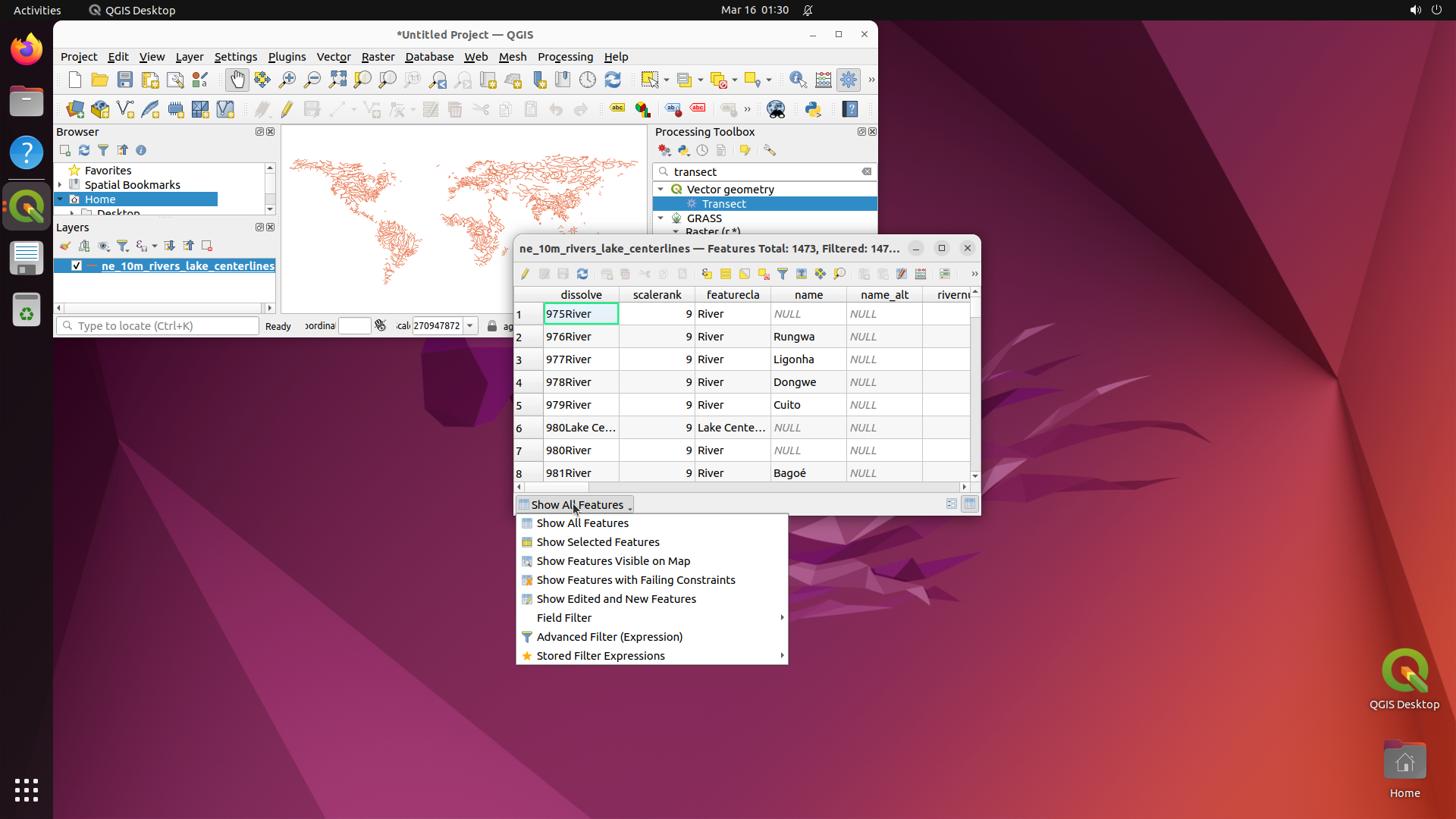
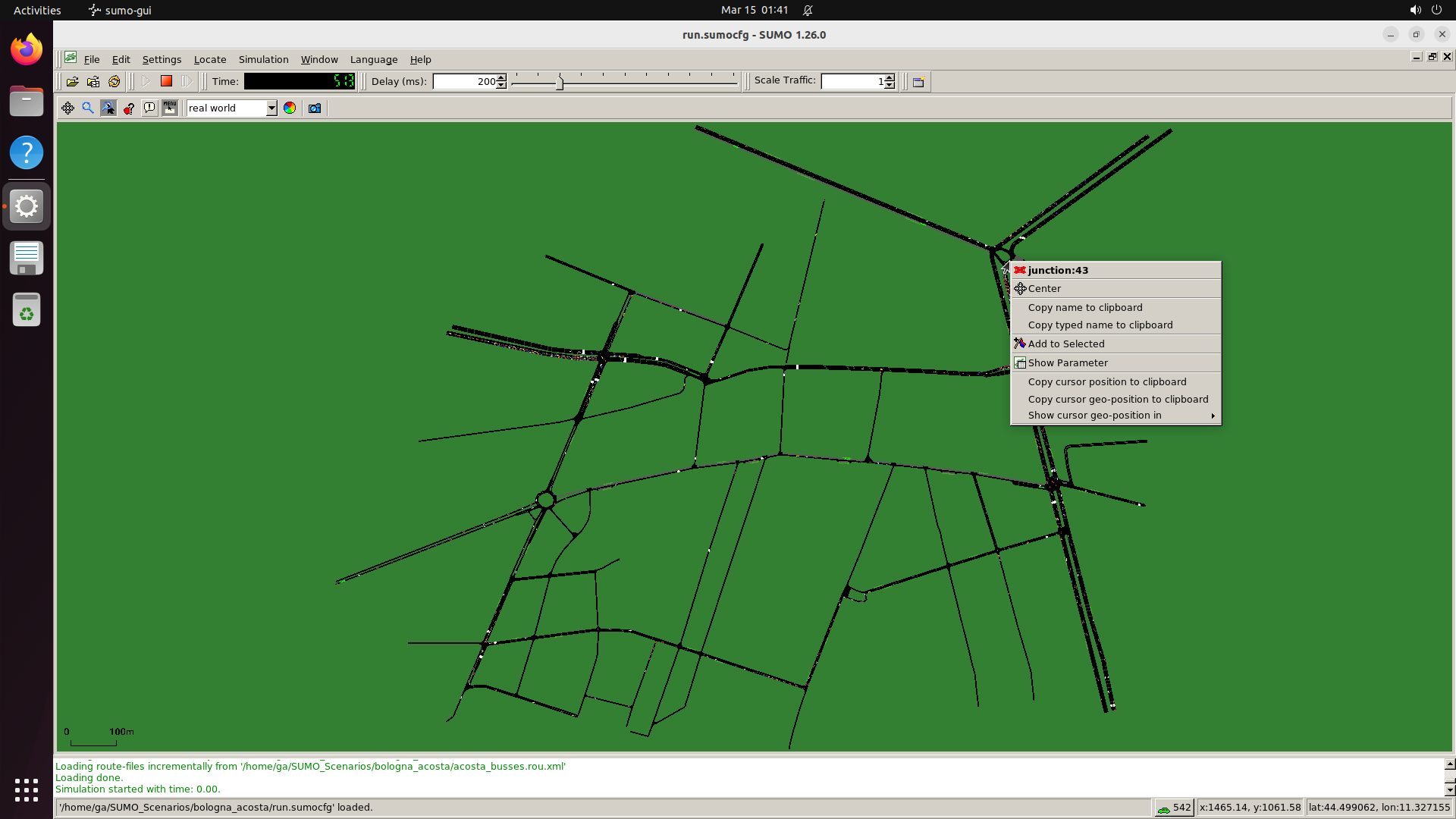
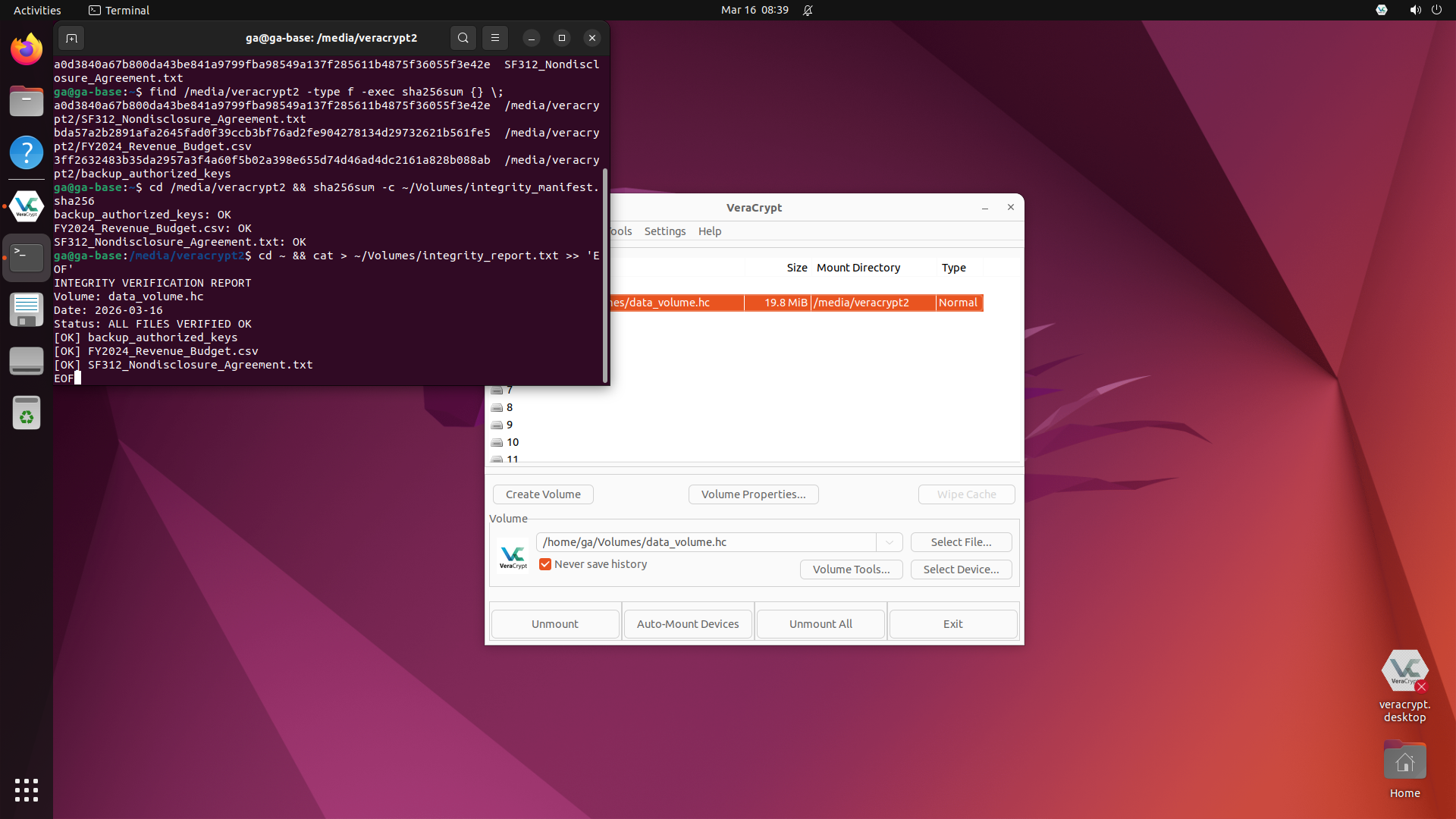
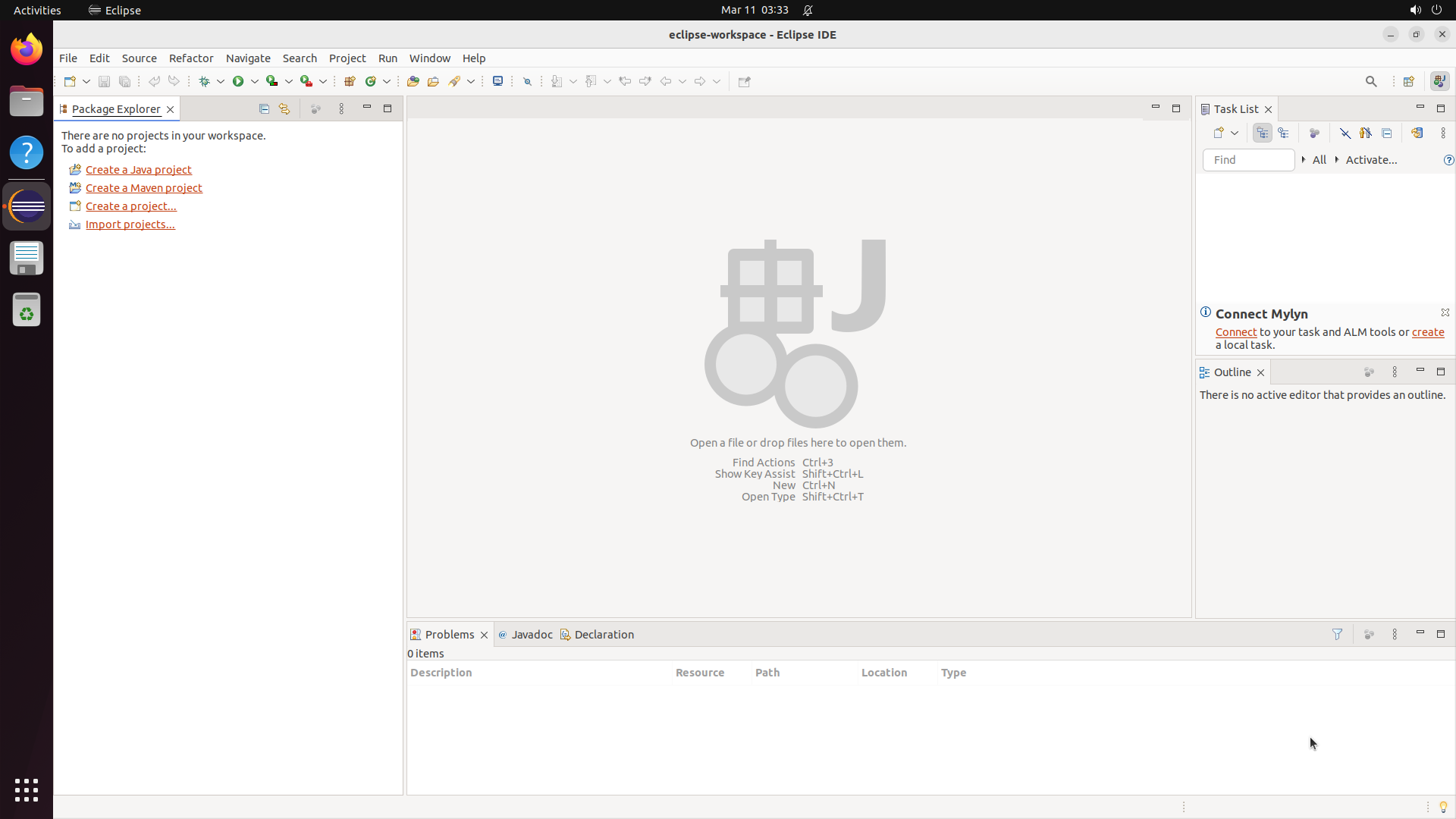
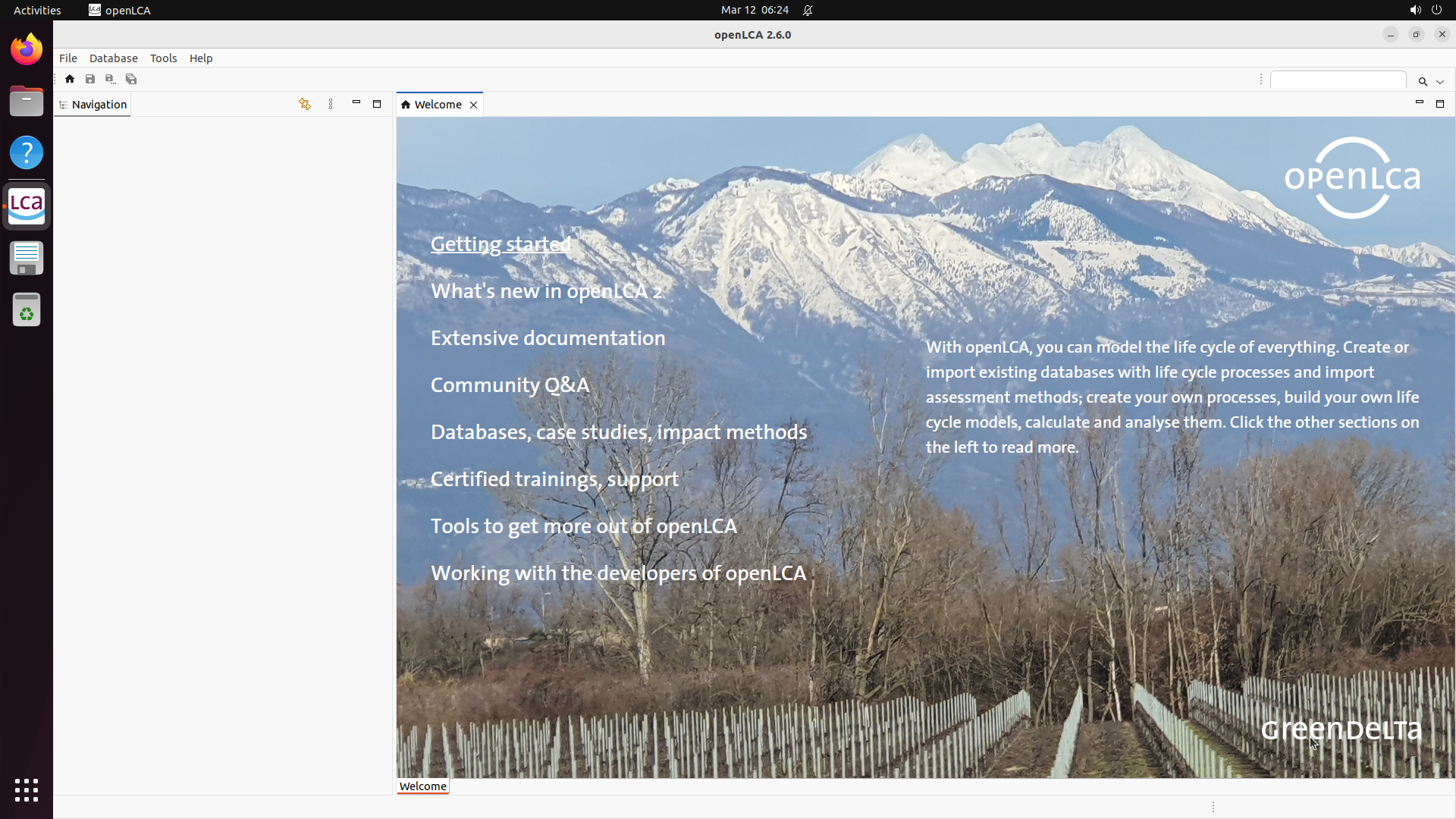
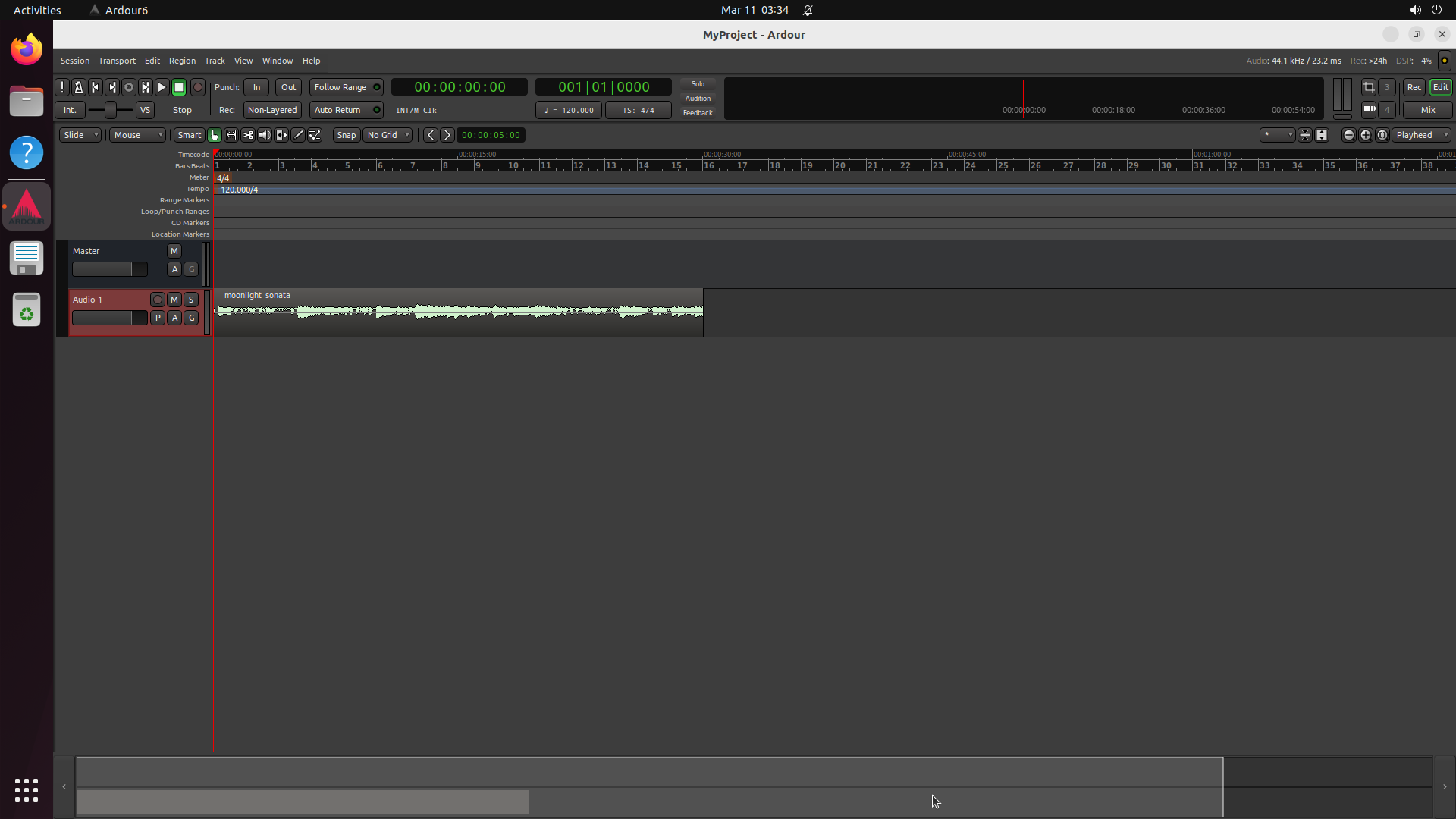
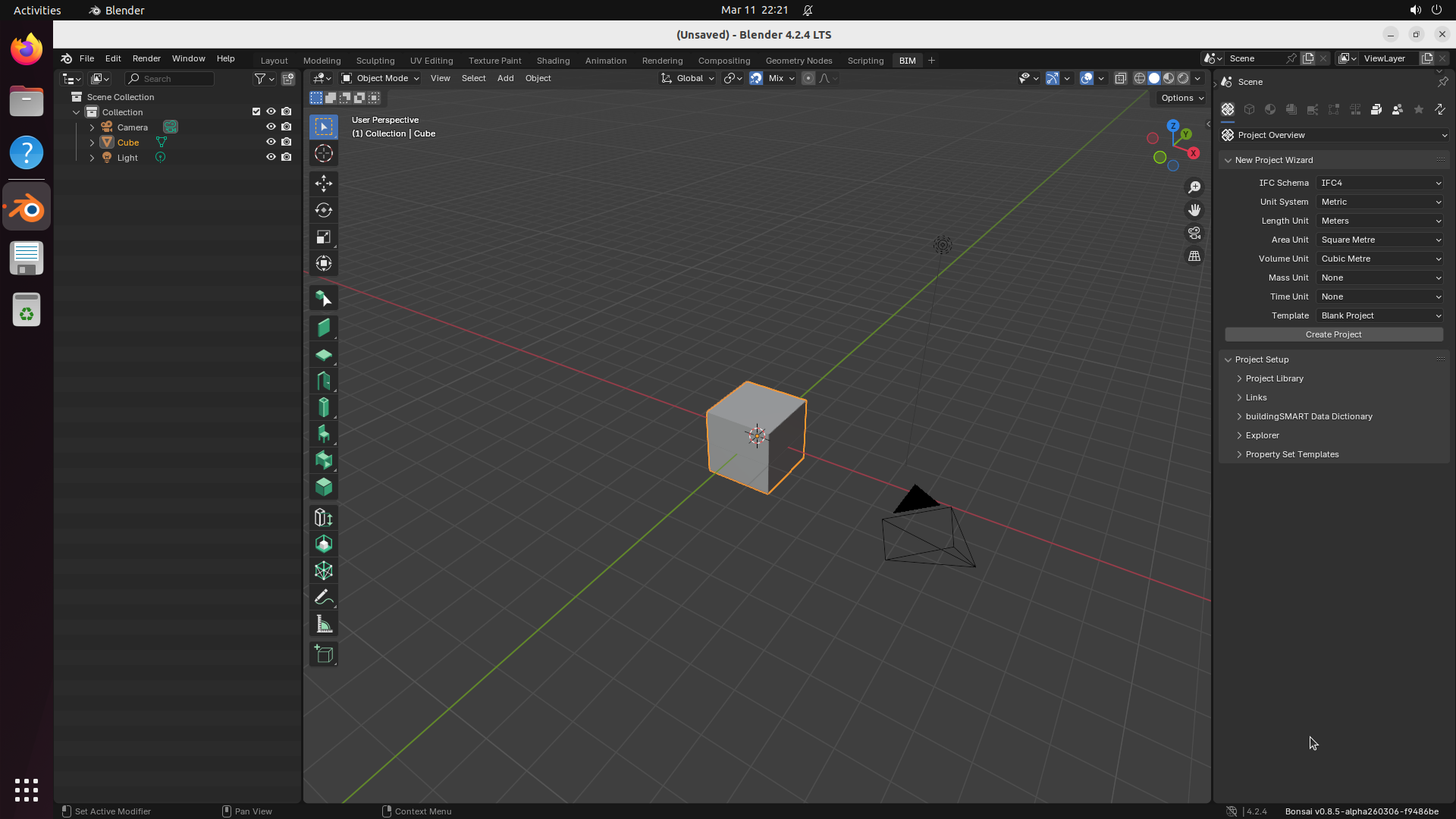
Explore — example environment screenshots
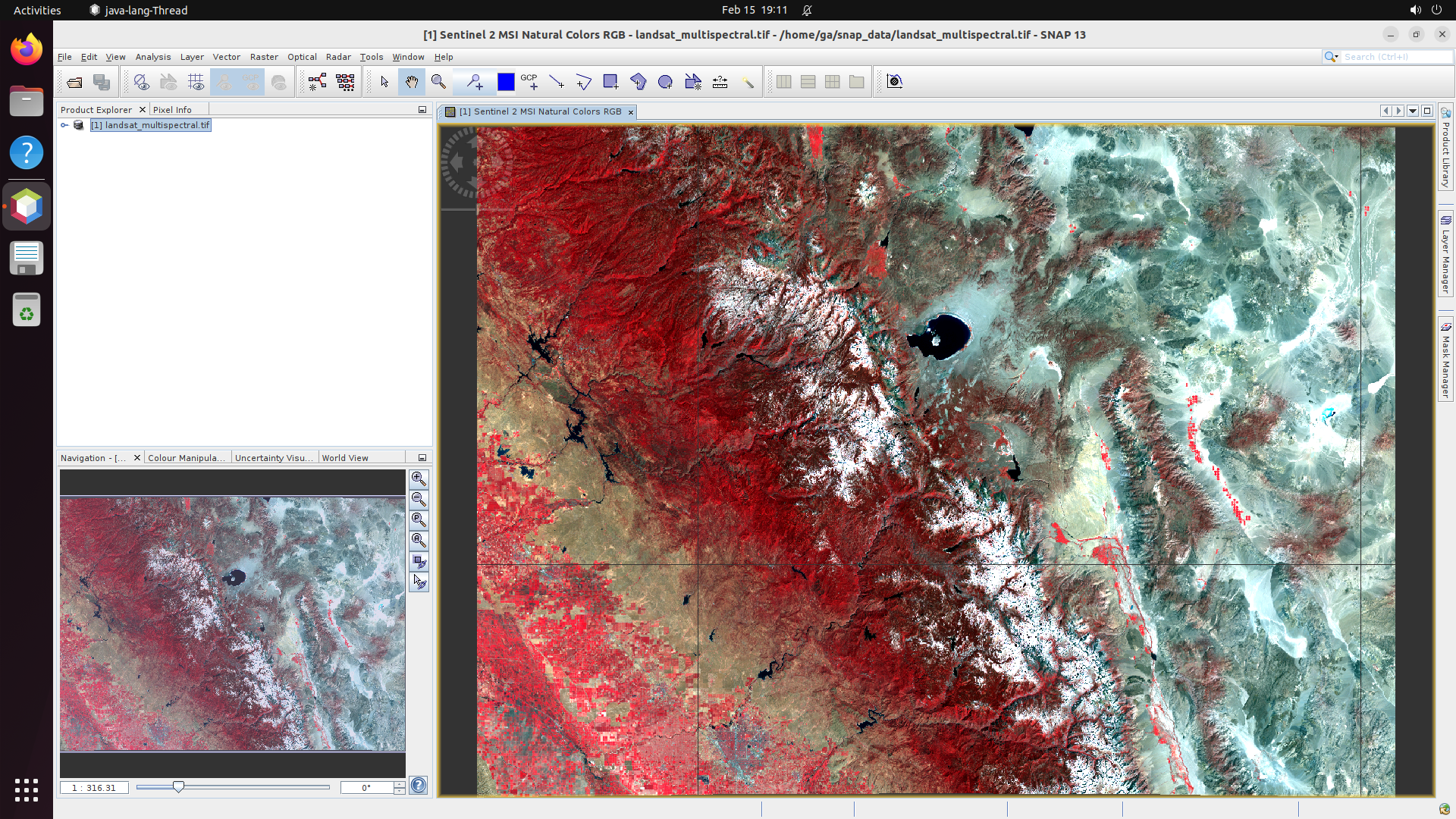
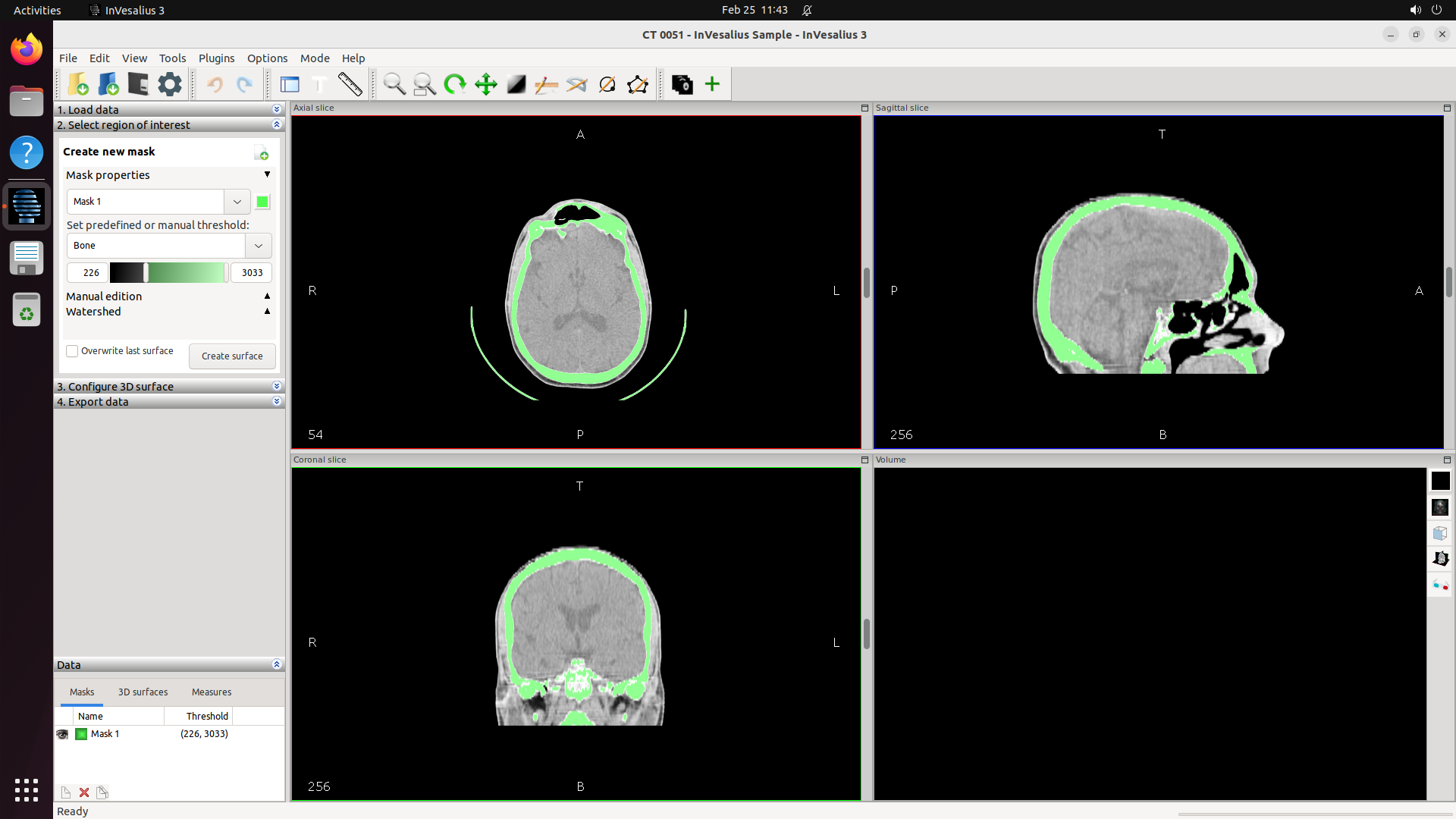
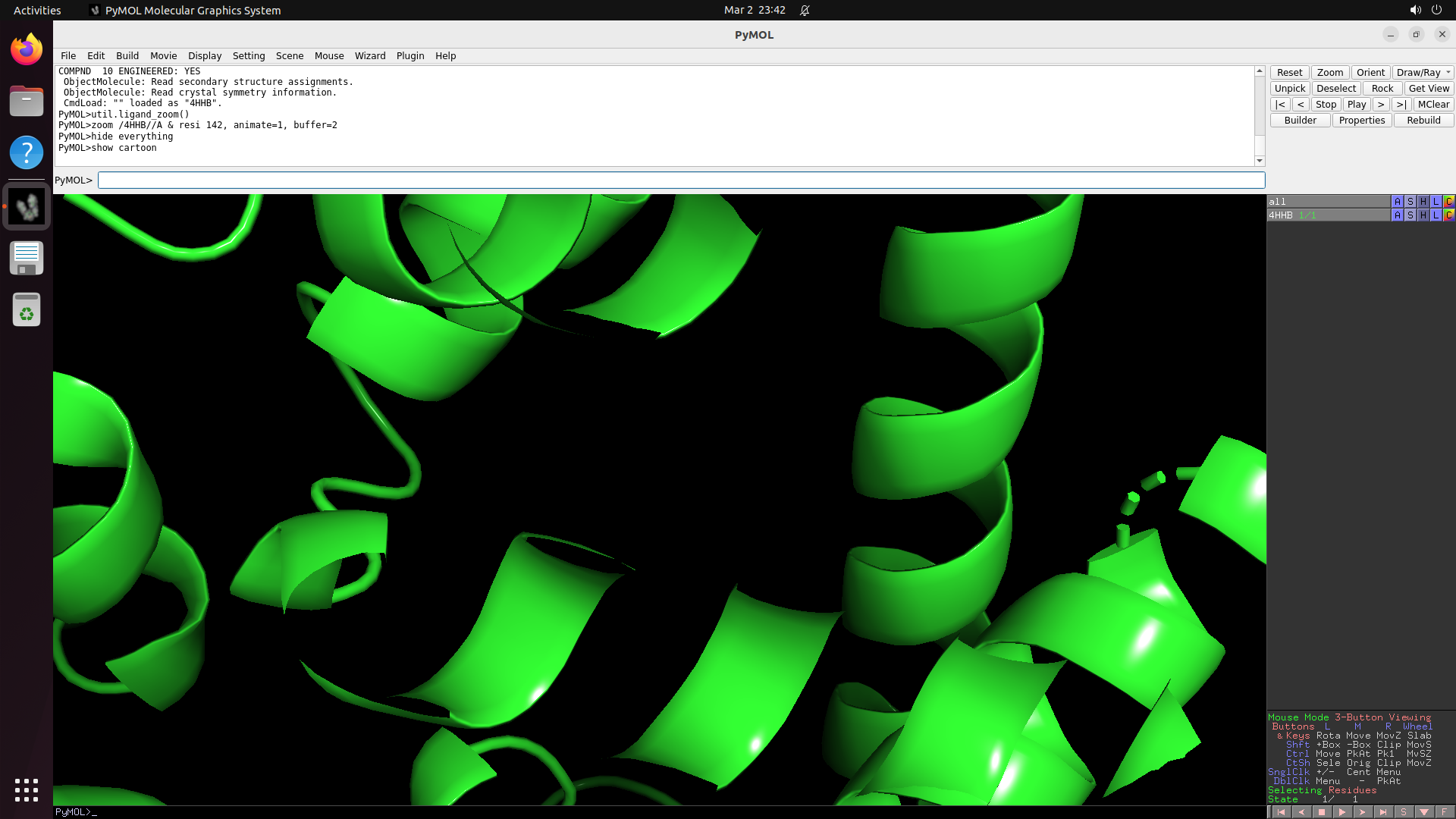
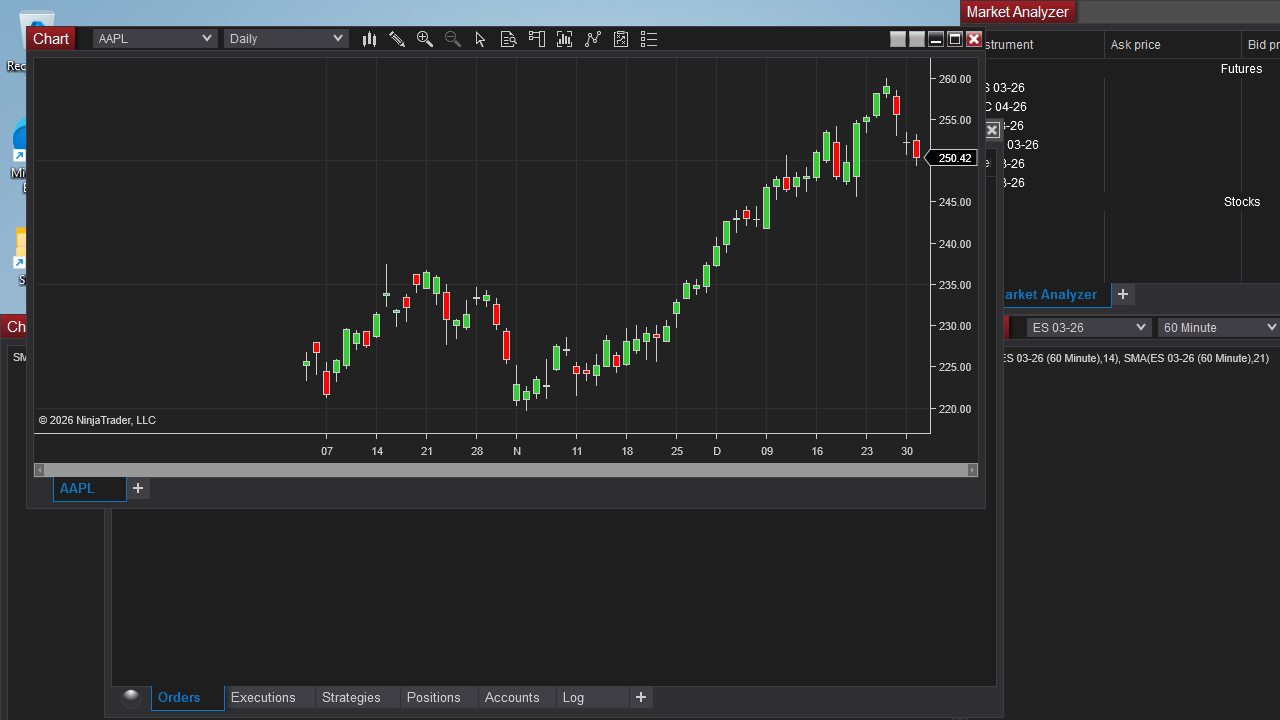
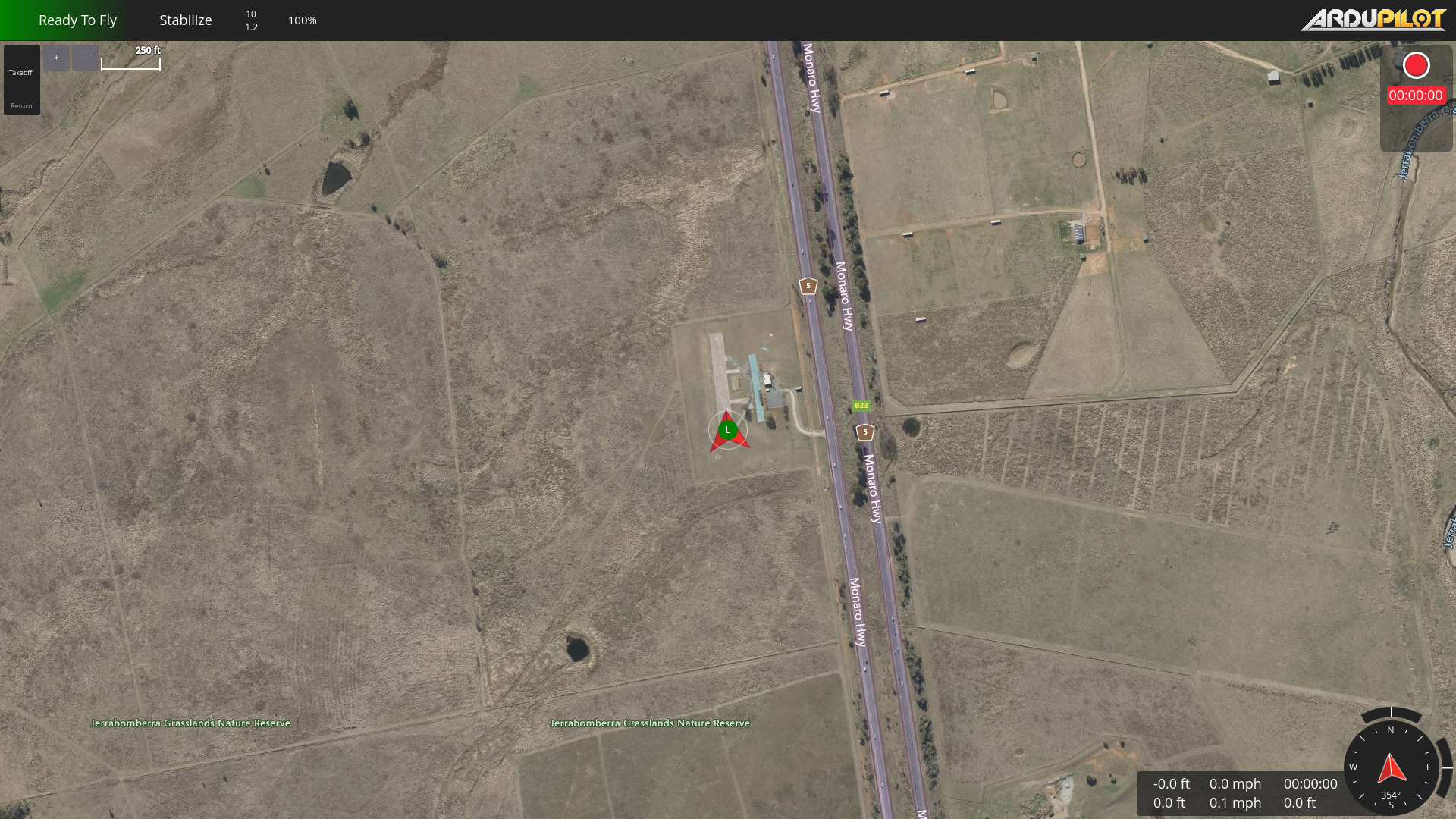
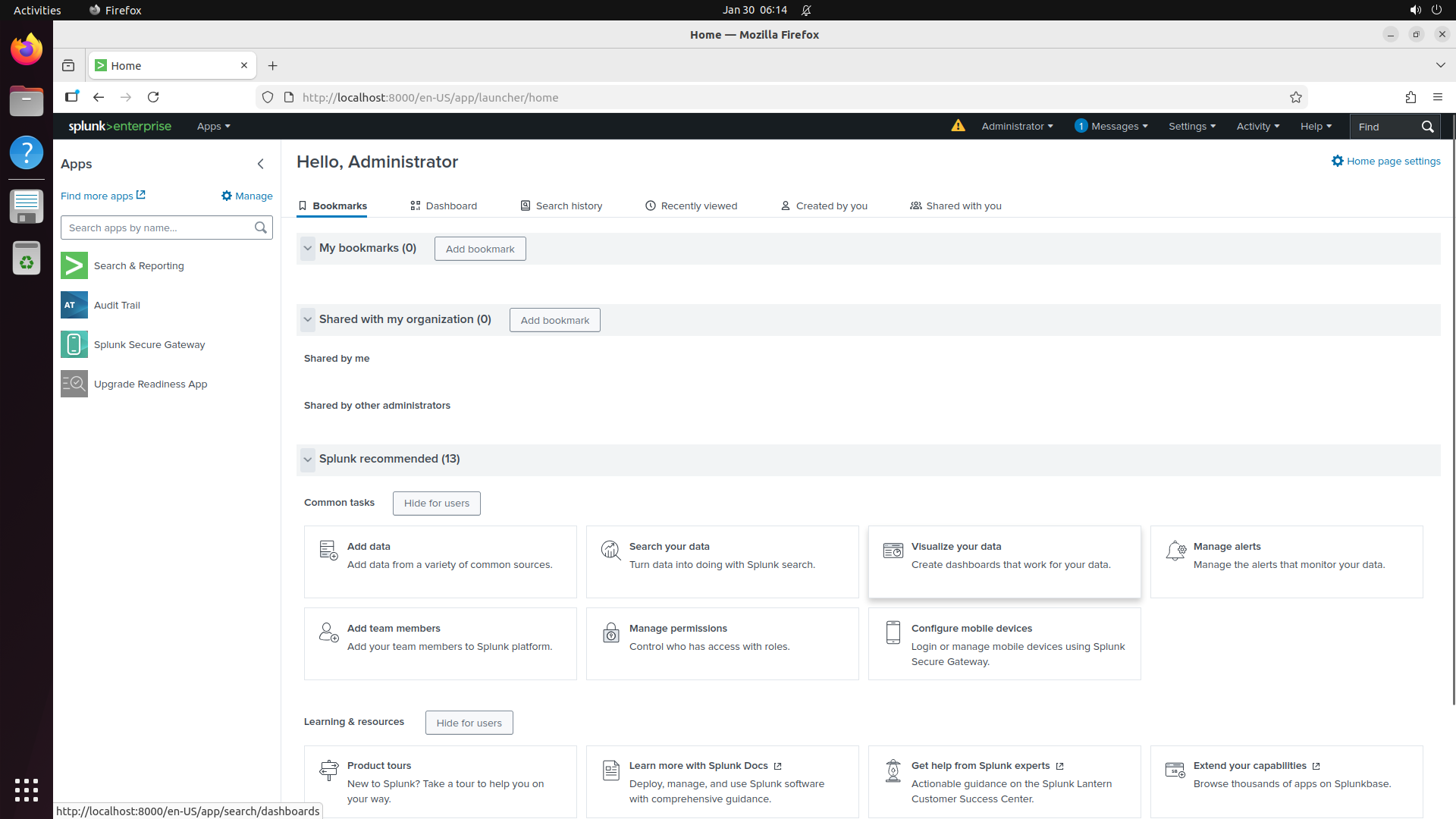
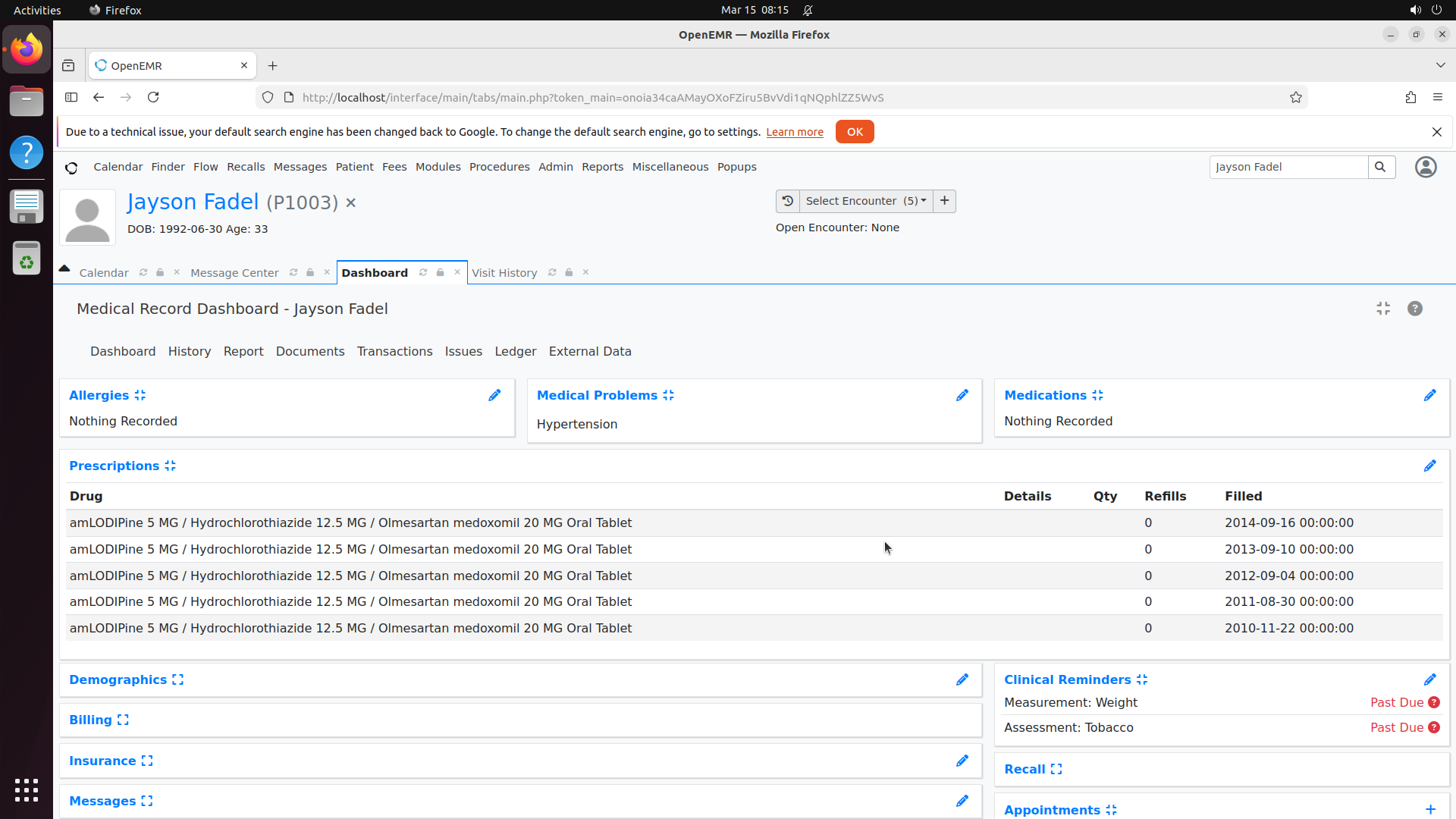
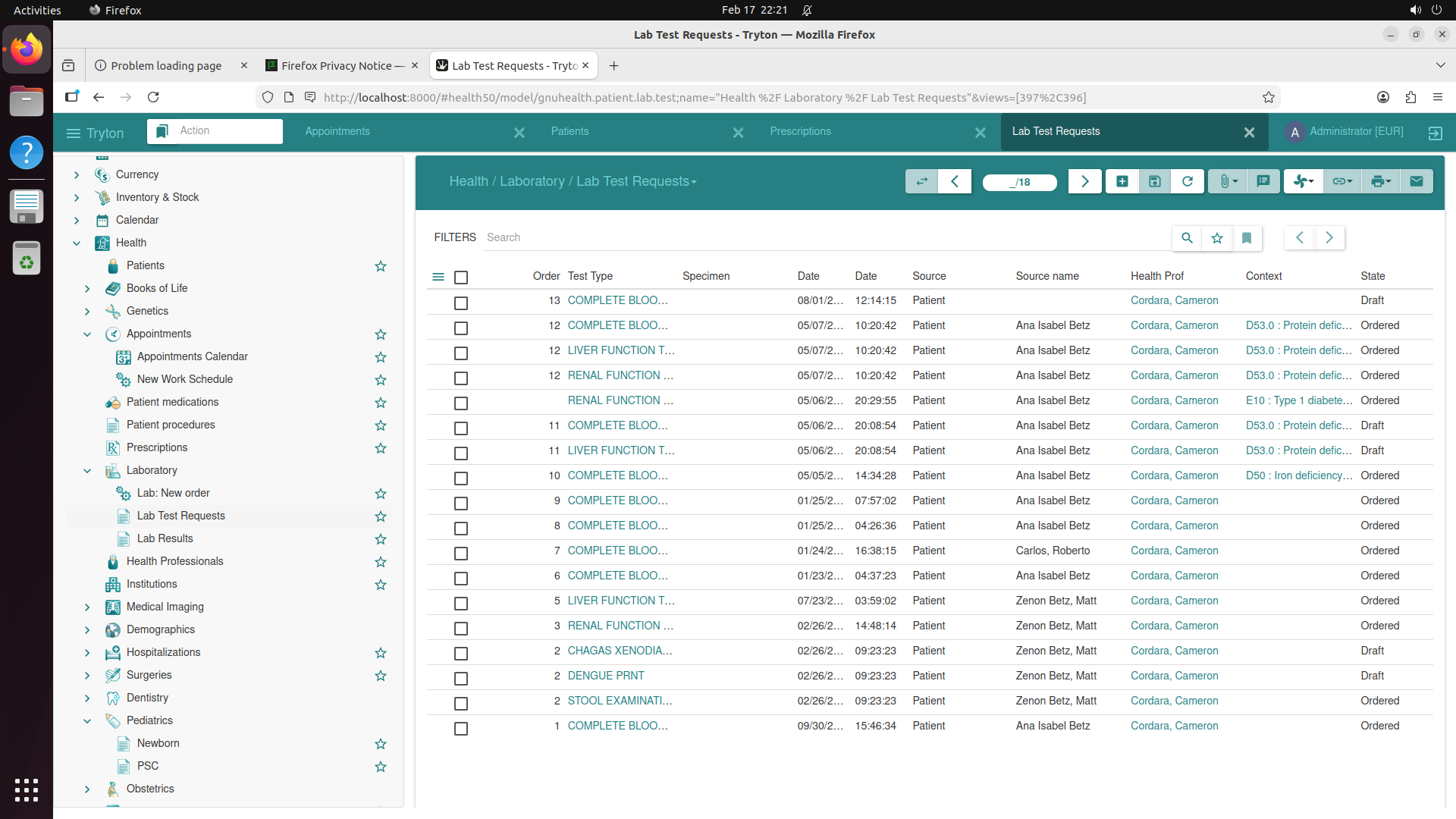
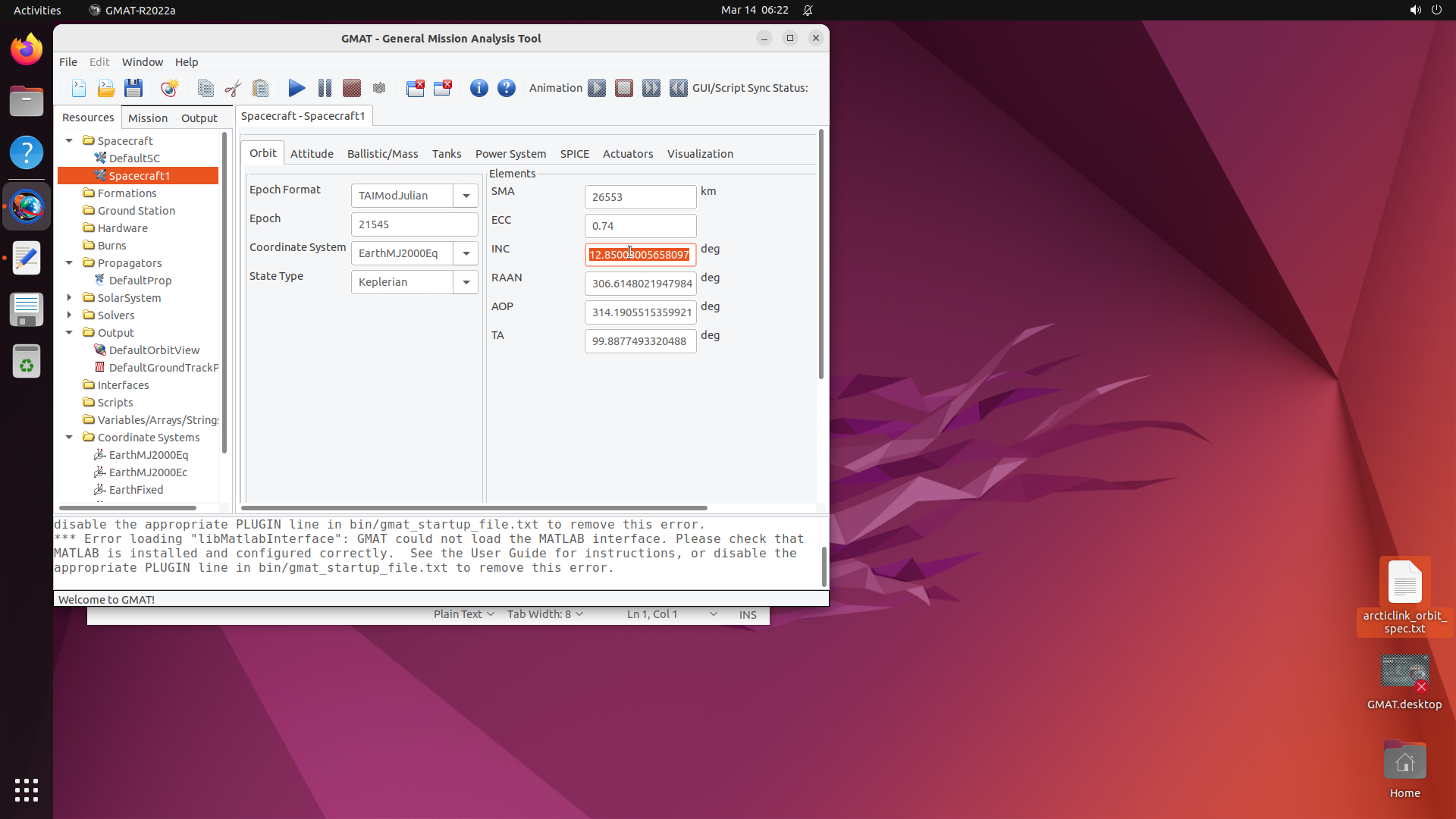
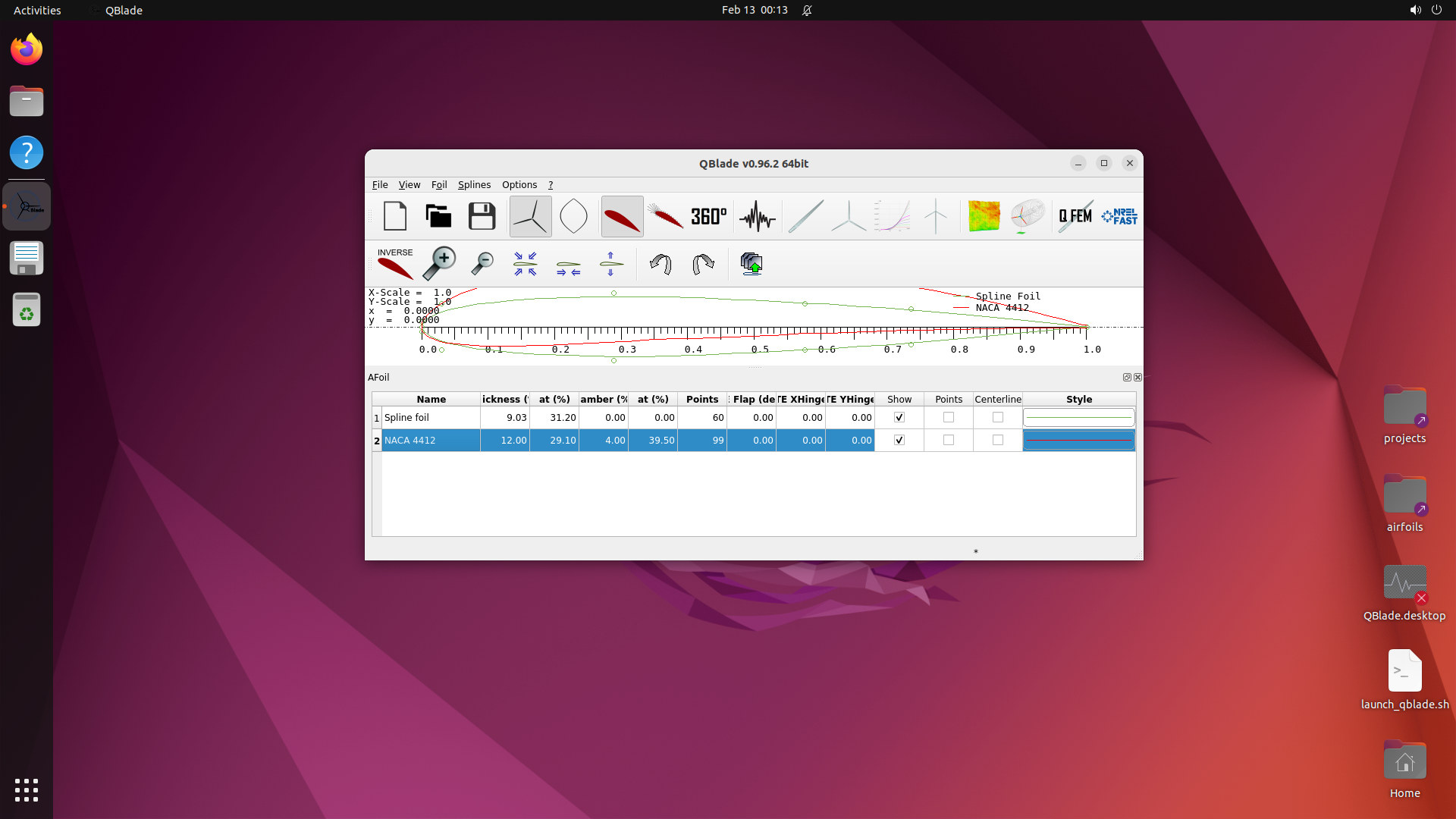
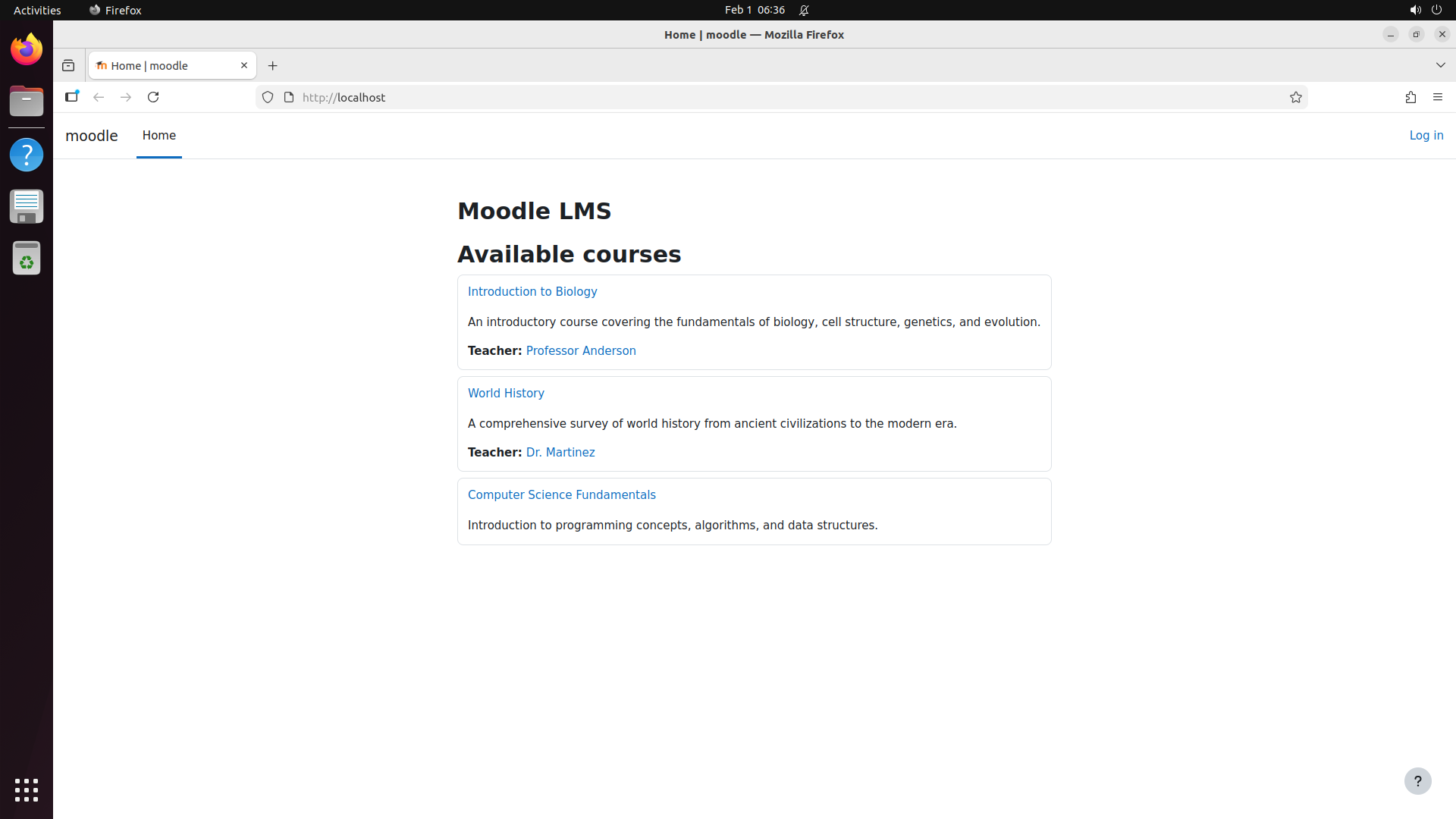
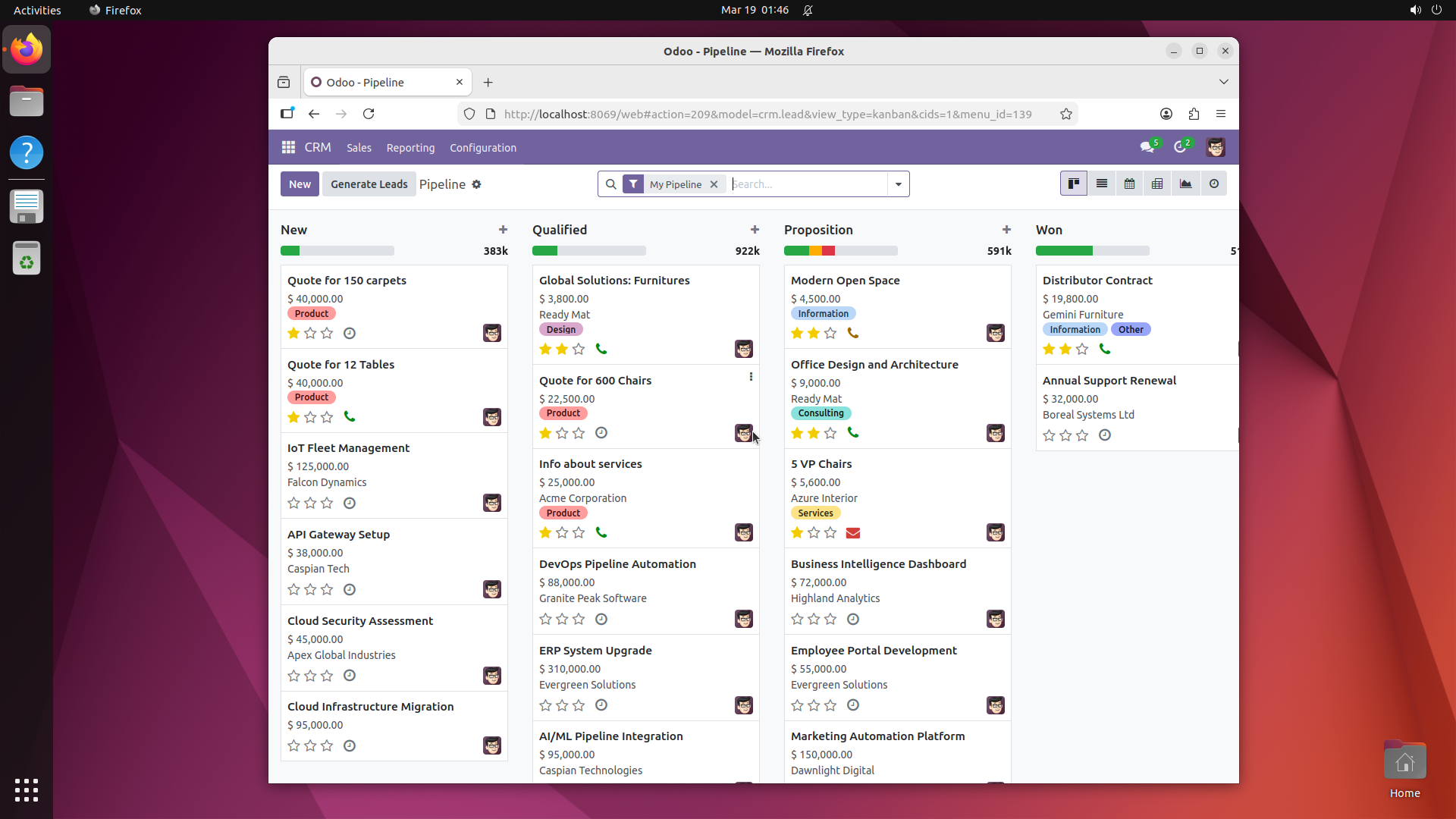
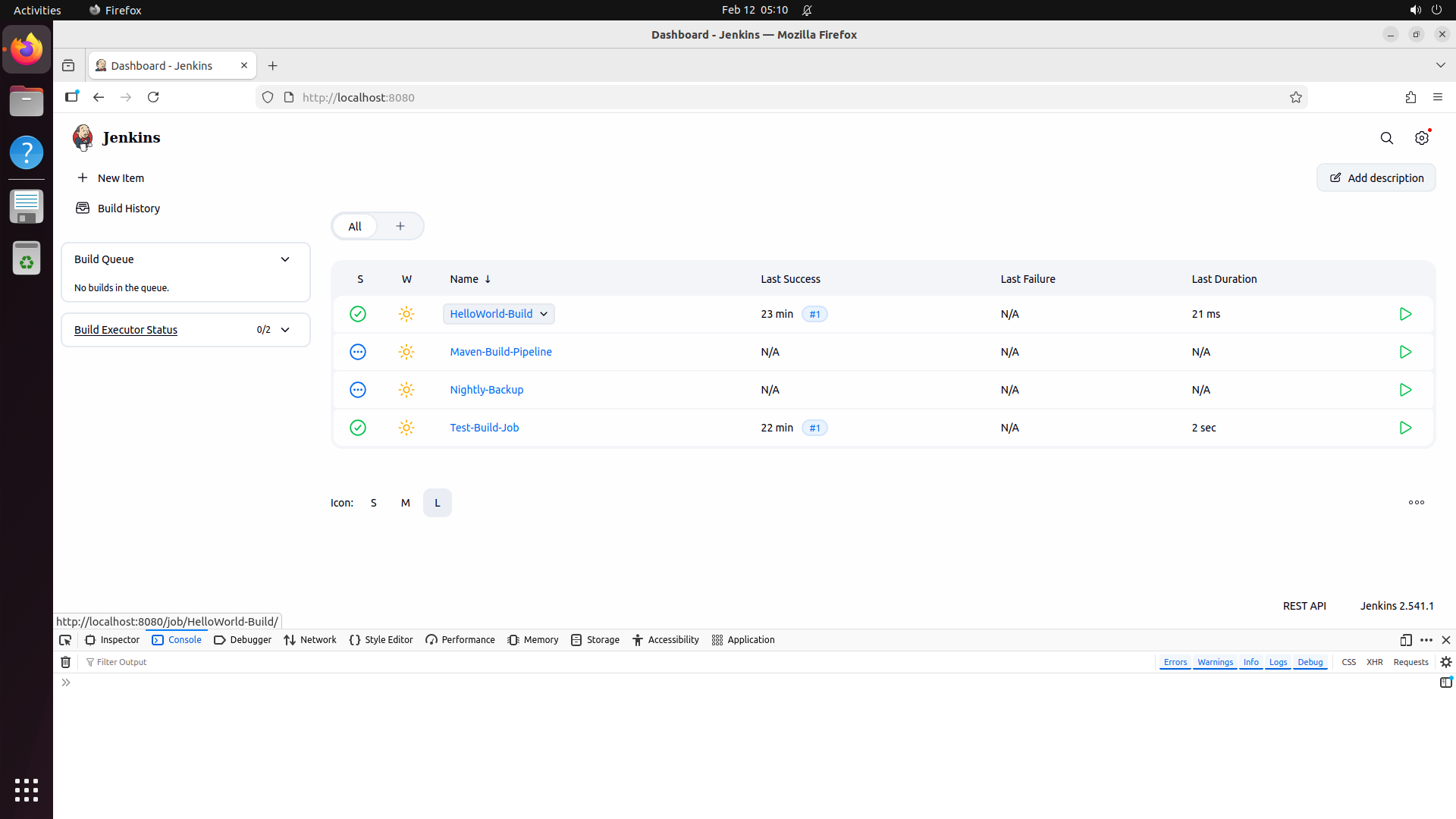
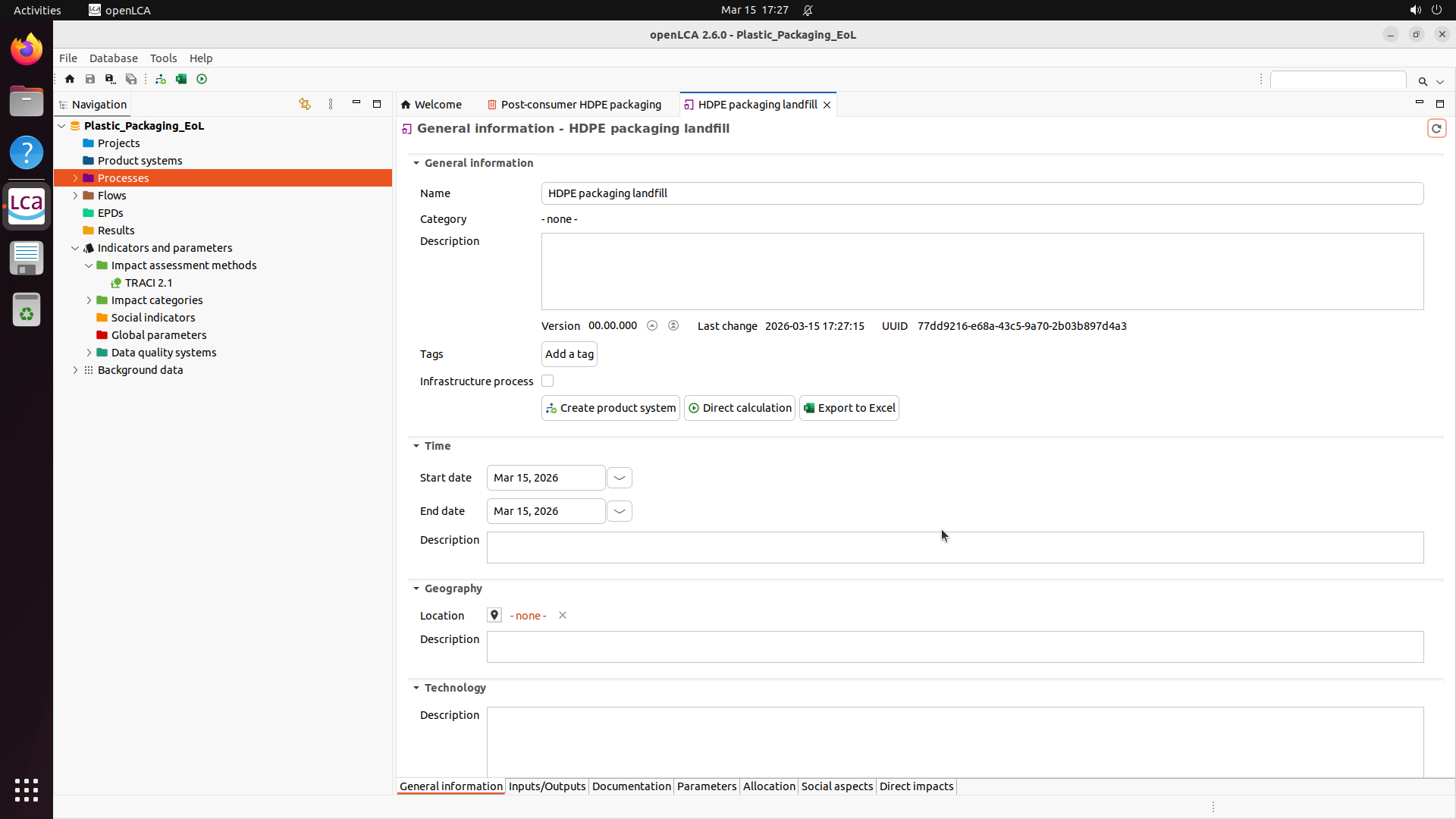
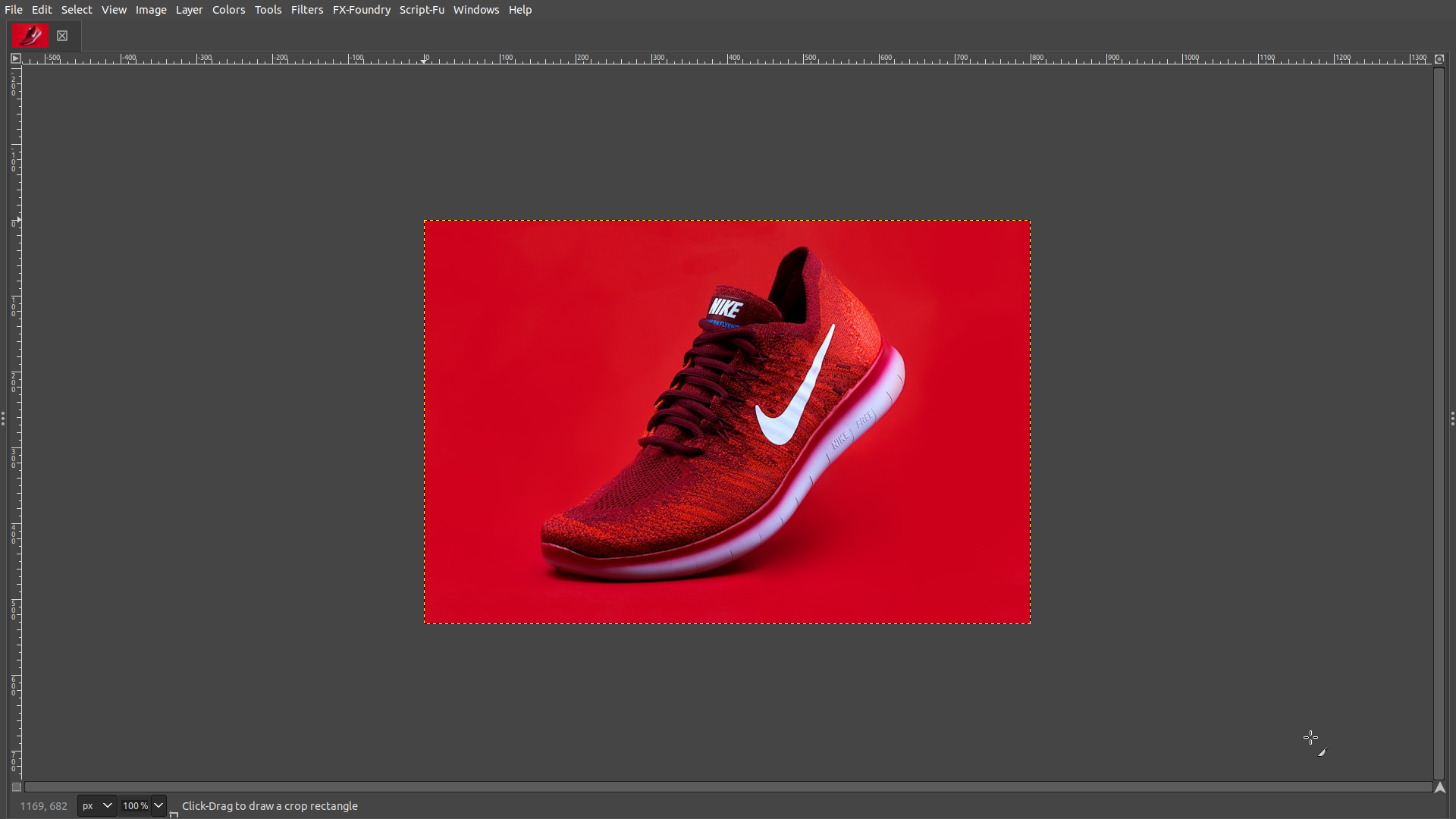
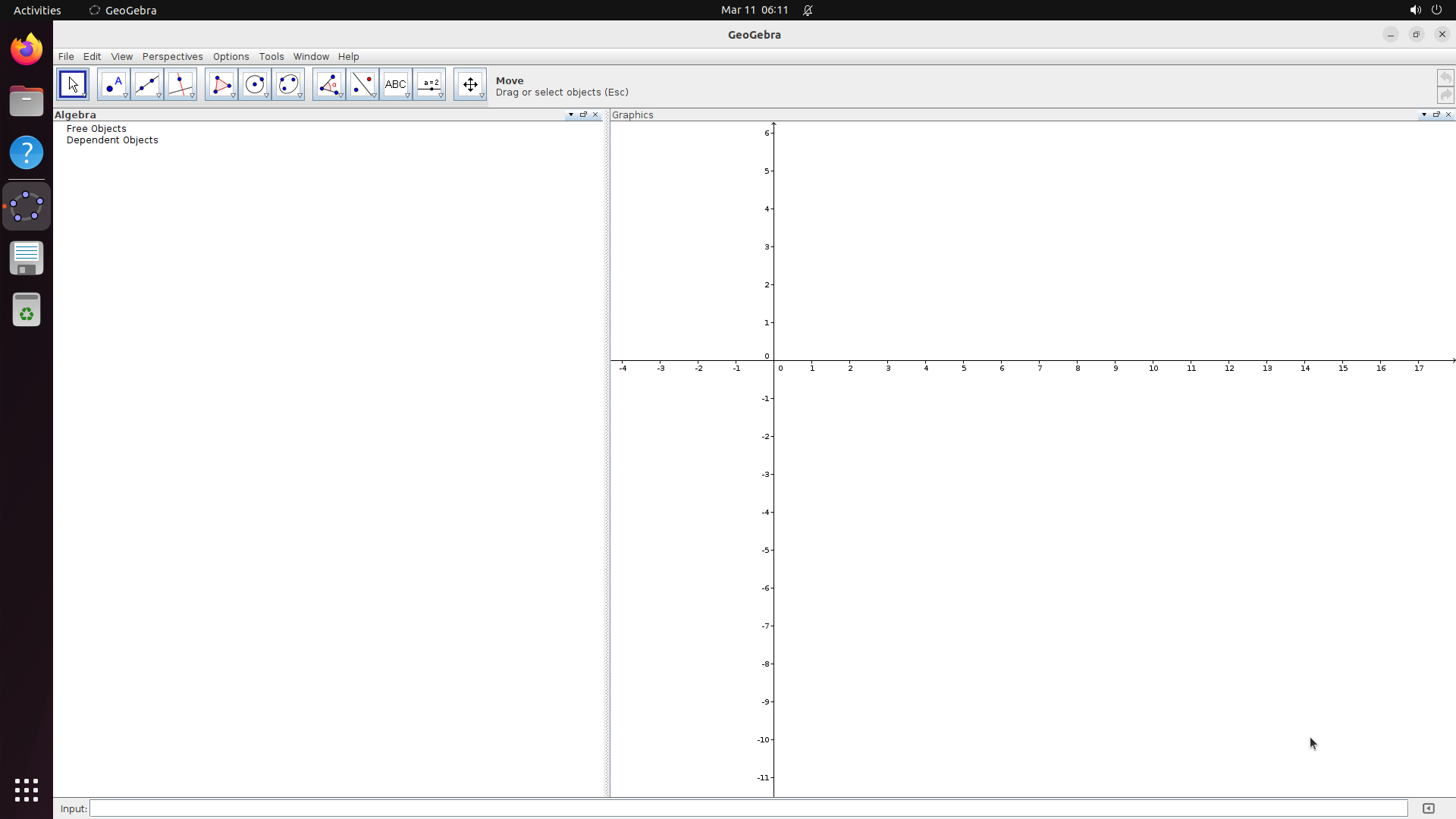
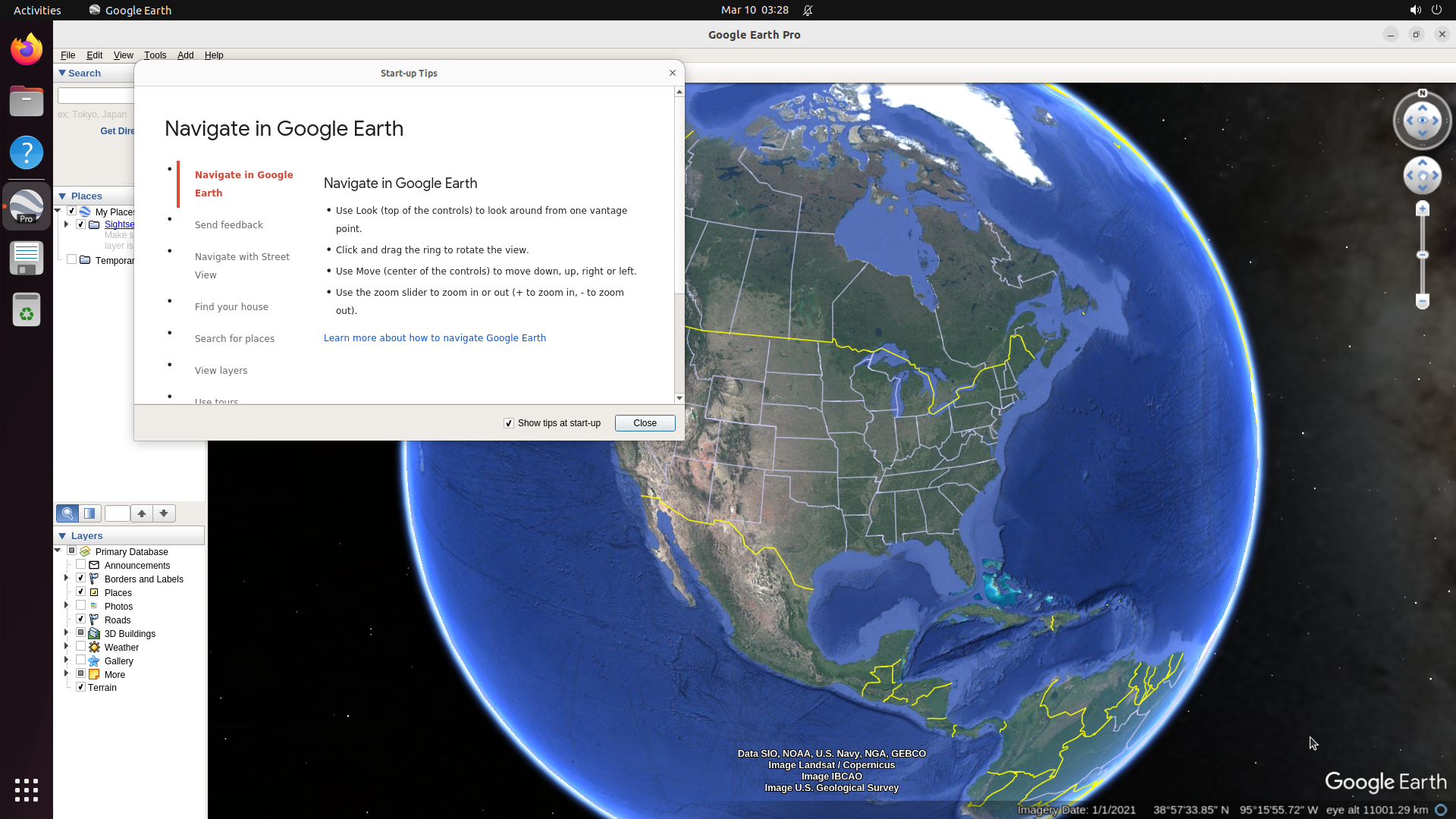
Click any screenshot to enlarge. Showing 36 of 200+ environments:
Read more — benchmark comparison, splits, and CUA-World-Long
Contamination filtering: Tasks are nodes in a similarity graph with LLM-graded similarity scores (1-8 scale) as edges. Any pair scoring 4+ is flagged. Connected components are assigned to a single split, ensuring no contaminated pairs cross the train/test boundary.
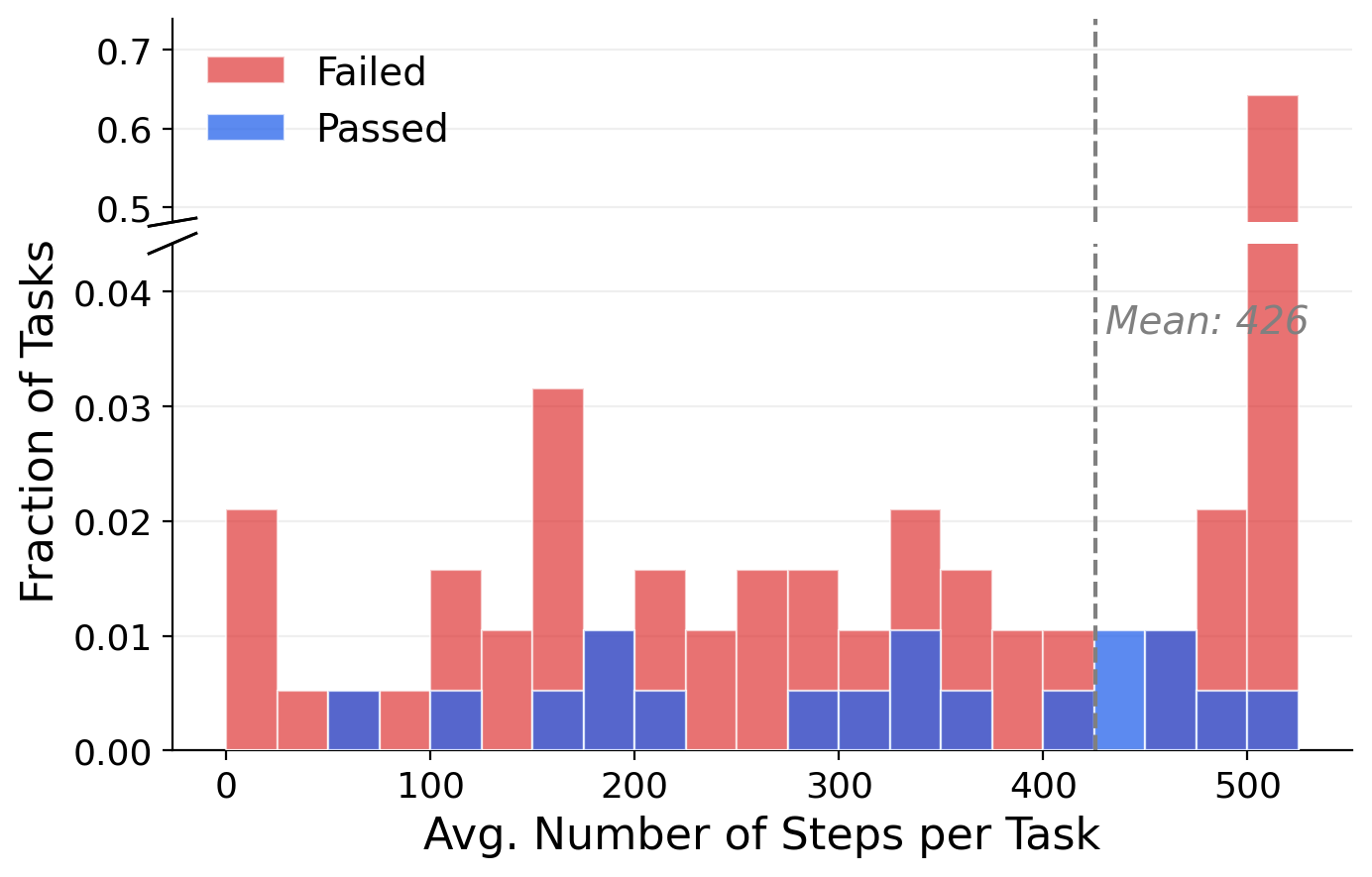
CUA-World-Long: 200 tasks (one per software) designed through trajectory-guided analysis of agent failure modes. The agent receives 8 quality guidelines covering real-world relevance, objective evaluability, and realistic data. All 200 tasks are manually verified. These tasks often require 200+ steps for humans and 500+ steps for models, with a mean of 425 steps across all Long trajectories.
✅
First benchmark to simultaneously provide: interactive environments at scale (200+ software, 10K+ tasks), long-horizon evaluation, coverage of all 22 SOC groups, automated environment creation, and a training split for learning.
Deep dive — full benchmark comparison table
Benchmark
Interactive
Platform
#SW
#Tasks
Long-H
SOC
Auto-Create
Train
Mind2Web
✗
Web
137
2K
✗
-
✗
✓
AITW
✗
Android
357
715K
✗
-
✗
✓
OmniACT
✗
Desktop
27
9.8K
✗
-
✗
✓
MiniWoB++
✓
Web
100
~12K
✗
1
✗
✓
WebArena
✓
Web
6
812
✗
5
✗
✗
VisualWebArena
✓
Web
3
910
✗
3
✗
✗
WorkArena
✓
Web
1
~30K
✗
3
✓
✓
OSWorld
✓
Desktop
9
369
✗
3
✗
✗
WindowsAgentArena
✓
Windows
11
154
✗
3
✗
✗
AndroidWorld
✓
Android
20
116
✗
2
✗
✗
Spider2-V
✓
Desktop
14
494
✗
2
✗
✗
AssistGUI
✓
Desktop
9
100
✗
3
✗
✗
TheAgentCompany
✓
Web
7
175
✓
4
✗
✗
ScienceBoard
✓
Web
4
832
✗
1
✗
✓
CUA-World
✓
All 3
200+
10K+
✓
22
✓
✓
CUA-World is the only benchmark that checks every column. The closest competitor on software count is MiniWoB++, but those are synthetic micro-tasks rather than real professional software. The closest on long-horizon evaluation is TheAgentCompany, which covers only 7 software applications.
Explore — tasks across all 22 SOC occupation groups
Click an occupation group to see representative tasks:
Explore — sample agent trajectories
Click a trajectory to enlarge:
8 Results
We evaluate frontier and open-source models on both CUA-World-Test and CUA-World-Long. The key takeaways:
50.1
Best avg. score on CUA-World-Test
Gemini 3 Flash achieves the highest score, with 22.6% pass rate. Even the best frontier model leaves half the task incomplete on average.
27.5%
Best pass rate on CUA-World-Long
GPT-5.4 with extended 2000-step budget. Under the standard 500-step / $5 cap, the best pass rate is 7.5% (Gemini 3 Flash).
+9.8
Score gain from distillation (2B model)
Our distilled Qwen3-VL-2B (22.5 avg score) outperforms the base Qwen3-VL-4B (19.3), a model 2× its size.
~3.5 pts
Score gain per data doubling
Log-linear scaling along both axes (number of software and fraction of tasks), with ~3.5 point additive increase per doubling.
CUA-World-Test — 200 steps per task, checklist-based VLM verification:
Model
Avg. Score
Pass Rate
Gemini 3 Flash
50.1
22.6%
Kimi-K 2.5
37.1
12.8%
Qwen3-VL-4B
19.3
3.9%
Ours (Qwen3-VL-2B distilled)
22.5
4.4%
Qwen3-VL-2B (base)
12.7
1.6%
CUA-World-Long — 500 steps or $5 budget (whichever comes first):
Model
Avg. Score
Pass Rate
Gemini 3 Flash
36.2
7.5%
Kimi-K 2.5
33.9
5.5%
Claude Sonnet 4.6
20.5
6.0%
GPT-5.4
22.7
3.0%
Extended evaluation — 2000 steps, no cost cap:
Model
Avg. Score
Pass Rate
GPT-5.4
55.5
27.5%
Gemini 3 Flash
38.7
11.5%
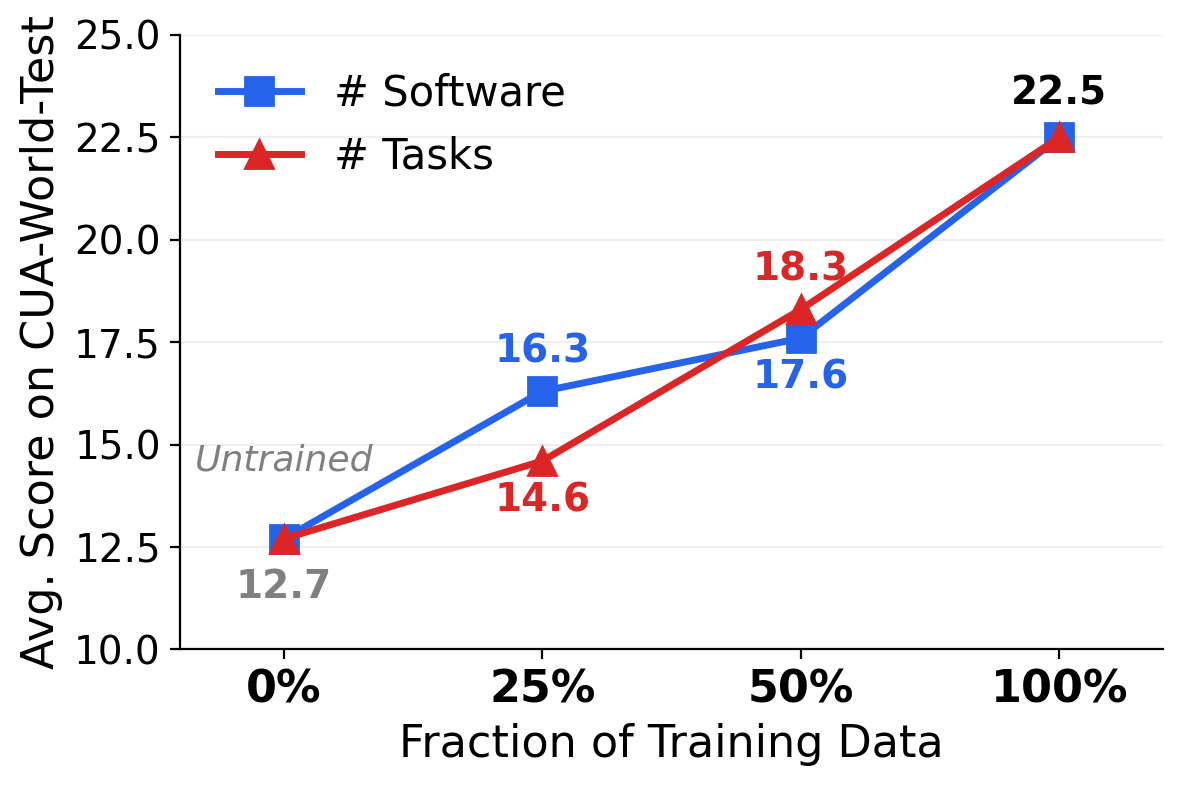
Training data scaling: performance improves log-linearly as we scale along two axes — number of software (50 → 100 → 200) and fraction of tasks (25% → 50% → 100%).
Log-linear scaling: ~3.5 point improvement per data doubling.
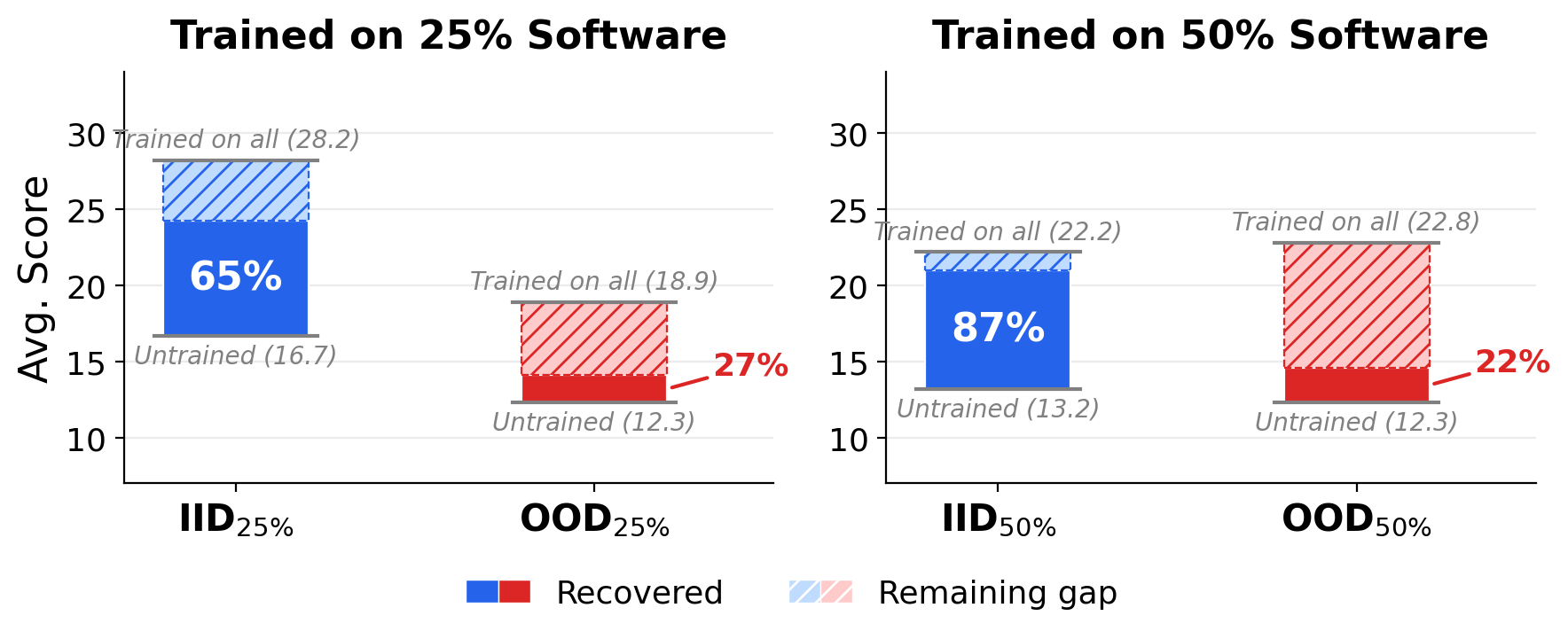
Generalization (IID vs. OOD): training on a subset of software recovers 65-87% of full-training gain on seen software but only 22-27% on unseen software.
The OOD gap underscores the need for scalable environment creation across diverse software.
Test-time compute scaling: pass rate increases with step budget, and Test-Time Auditing provides further gains.
Pass rate: 2.0% at 50 steps → 11.5% at ~1,300 steps → 14.0% with TTA.
Teacher selection paradox: the weakest teacher produces the best students.
Teacher
Teacher Score
Student (Q3-VL-2B)
Student (Q2.5-3B)
Opus 4.6
53.5
19.3
8.5
Sonnet 4.6
45.5
17.5
9.8
Gemini 3 Flash
44.0
16.3
8.3
Kimi-K 2.5
39.8
25.3
15.8
Gemini 3 Pro
39.3
15.8
7.0
💡
Kimi-K 2.5 is one of the weakest teachers (39.8) but produces the best students (25.3 for Q3-VL-2B, 15.8 for Q2.5-3B). Hypothesis: as the only open-source model, it provides full reasoning chains in its trajectories, giving the student richer learning signal despite lower raw performance.
Performance by software category:
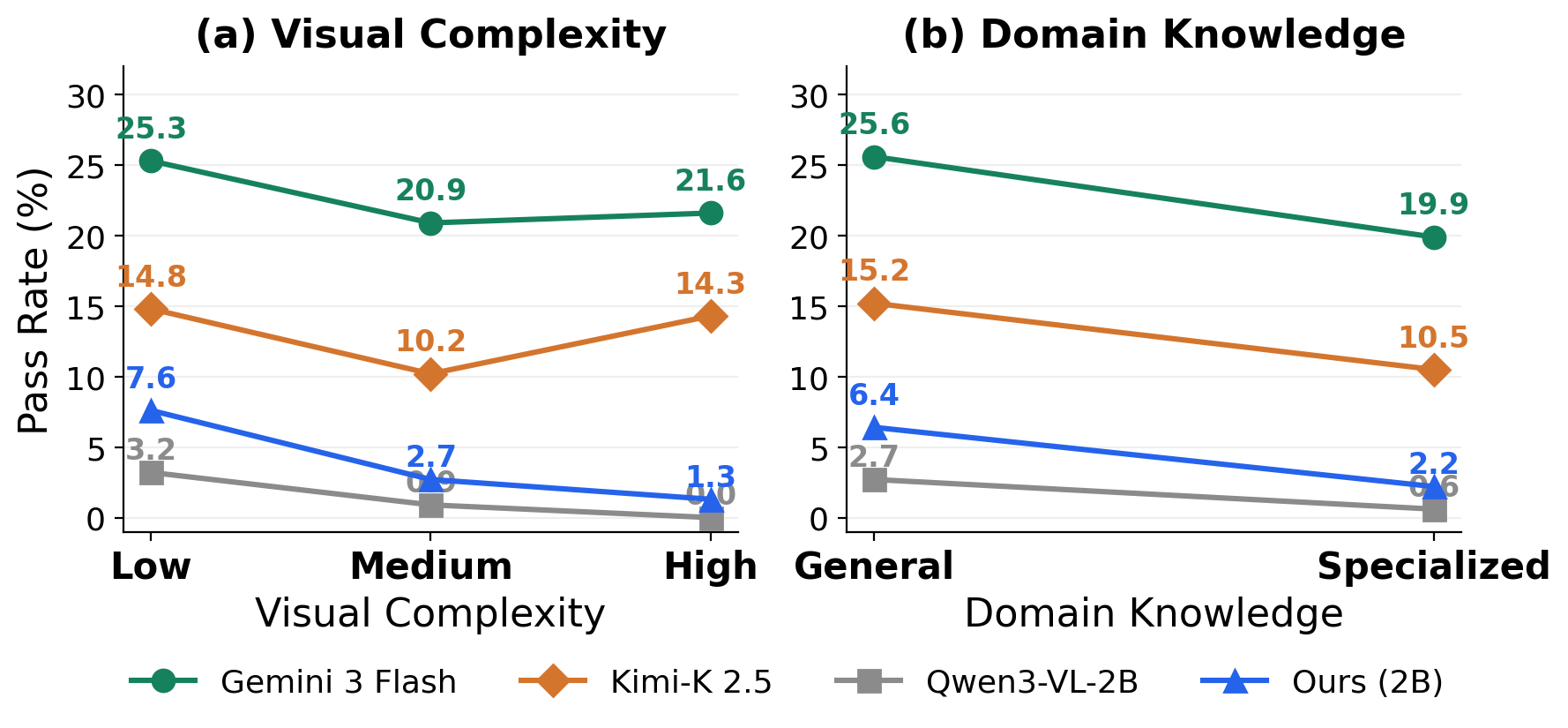
Large models are robust across complexity levels; small models degrade sharply.
Deep dive — curriculum and category analysis
Trajectory length curriculum: We compared training on 50-step vs. 200-step trajectories under the same budget. On average results are similar (22.7 vs. 23.8), but the optimal length varies by software: 50-step trajectories perform better on GIMP and 3D Slicer, while 200-step trajectories are better on OpenEMR (longer-horizon tasks). We adopt a two-stage curriculum: first train on 50-step trajectories, then continue on full 200-step ones.
Visual complexity: Large models (Gemini, Kimi) maintain consistent pass rates across complexity levels (25.3%, 20.9%, 21.6%). Small models show steep declines: Qwen3-VL-2B drops from 3.2% on low-complexity to 0.0% on high-complexity software. Distillation improves all levels but does not close the gap.
Domain knowledge: All models decline from general to specialized software. The decline is steeper for small models (~3×: 6.4% to 2.2%) than for large models (~1.3×: 25.6% to 19.9%), indicating domain knowledge is a greater challenge at smaller scales.
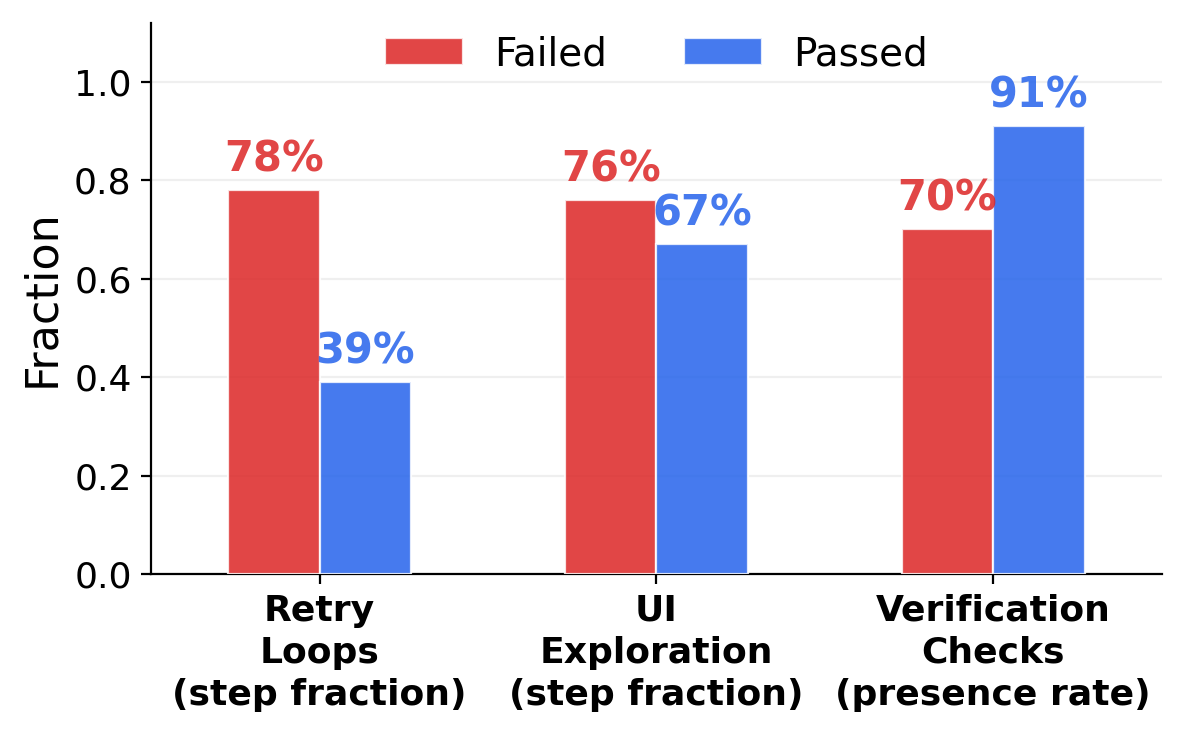
Trajectory behavioral patterns — analysis of ~3,000 trajectories reveals why agents succeed or fail:
vs. only 39% for passed trajectories. Failed agents get stuck repeating the same failing actions.
91%
Verification checks (passed)
vs. 70% for failed. Agents that pause to verify their work succeed much more often.
Step distribution on CUA-World-Long:
Failed tasks spike at the 500-step budget cap. Passed tasks are distributed across step counts.
Deep dive — TTA and difficulty analysis
Test-Time Auditing in detail: For Gemini 3 Flash, pass rate stays low at 50-100 steps (2.0% to 2.5%), then rises steeply: 6.5% at ~200 steps, 7.5% at ~400, 11.5% at ~1,300 steps. This sharp jump suggests most Long tasks require a minimum of 100+ steps before meaningful progress is possible. TTA provides further uplift to 14.0% by catching premature stops. Under this scheme, agents sometimes work continuously for over 12 hours on a single task. Without cost caps, GPT-5.4 reaches 27.5% pass rate (55.5 avg score), the strongest result on CUA-World-Long, though at ~$18 per trajectory.
Difficulty distribution:
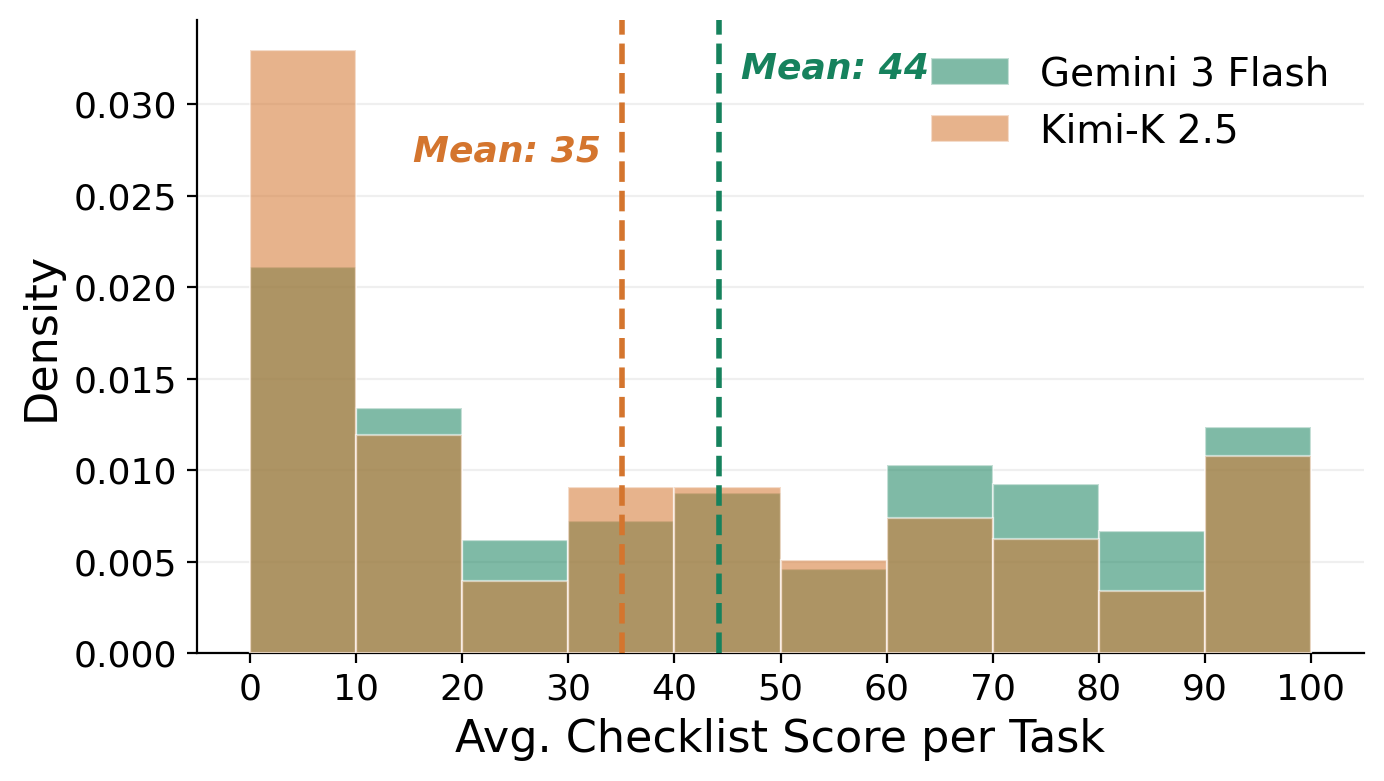
A large spike at 0-10 scores: roughly a quarter of Gemini tasks and a third of Kimi tasks receive near-zero scores, indicating substantial fractions are currently beyond frontier model reach.
UI exploration dominates for both passed (76%) and failed (67%) trajectories, indicating that most agent effort is spent locating the right interface elements rather than executing the core task. This suggests that improvements in UI understanding could unlock disproportionate gains in overall performance.
9 Limitations
GDP attribution is approximate — not precise dollar-level, especially for individual software shares within categories.
Licensing exclusions — many high-GDP professional software cannot be sandboxed due to licensing, and performance on free alternatives may not predict performance on commercial counterparts.
Solvability not guaranteed — not all tasks have been solved end-to-end by humans.
VLM verifiers are imperfect — 93.3% agreement leaves room for error, and they may be susceptible to adversarial exploitation.
Scale is compute-bound — 200 of ~500 selected software are built based on available compute; the framework supports more.